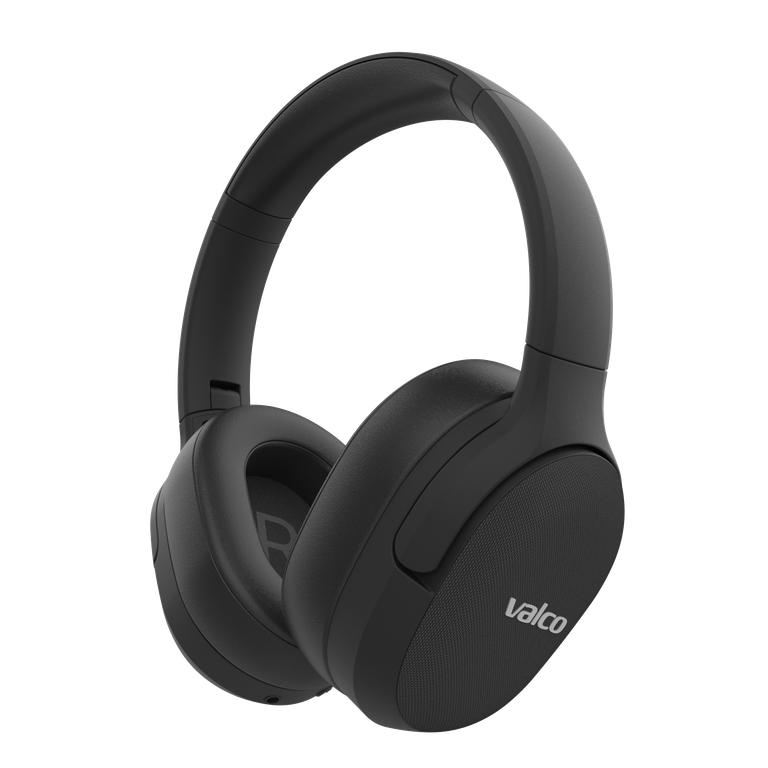
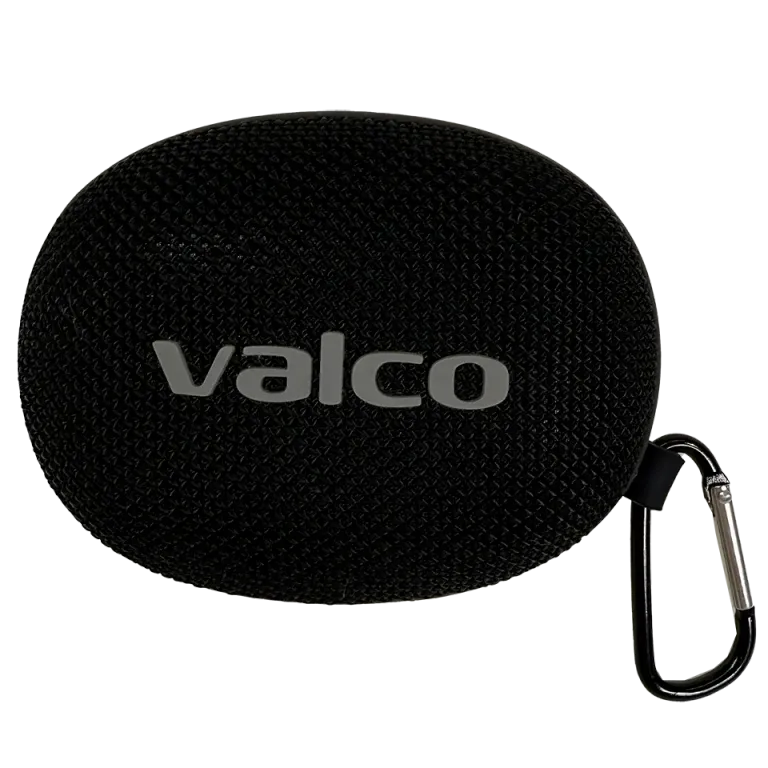
"Which model do I have?" is one of the most common questions our support team gets, and no wonder: the text wears off, the packaging got recycled years ago, and memory is memory. Here's the full lineup and every way to identify yours.
The whole lineup at a glance
- VMK25.2, over-ear noise cancelling headphones, our current flagship. Externally identical to the VMK25.
- VMK25, the previous flagship, over-ear, with the same magnetic Skini side panels as the 25.2.
- VMK20, over-ear, with fabric-covered side panels. They don't come off without violence.
- VMK19, the classic with the wood-look side panels, the predecessor to the VMK20. No longer sold, but we still repair it.
- VMK15, a lighter on-ear model (cushions sit on your ears, not around them).
- NL25, fully wireless earbuds with ANC, physical buttons.
- NL21, fully wireless earbuds without ANC, touch controls.
- Nordell Micro, MK3, and Max: these are speakers, not headphones. If your device doesn't go on your head, it's one of these.
VMK25 or VMK25.2? The eternal question
You can't tell these two apart from the outside, the difference is on the inside. Here's how to identify yours:
- Packaging: the box states the model directly.
- Batch code: found inside the headband, under the cushion. Twist the cushion off to remove it and check the code. Send it our way and we'll tell you the model.
- Bluetooth info: your phone's Bluetooth settings might reveal the model by name. The VMK25.2 runs Bluetooth 5.4, the VMK25 runs 5.1, and some phones will show this in the device details.
- The reset method gives it away: the VMK25.2 resets by holding + and − for three seconds (you'll hear a "du du" sound). The VMK25 has no button combo, its reset is done with an AUX cable instead.
"My model number doesn't match anything"
Classics our support team has seen, and what they actually mean:
- VKM20, BKM20, WMK20 → VMK20
- VMK25 2.0, VMK25 II → VMK25.2
- NF25, NL-25 → NL25
- MK400, VMK19X, or anything else not on this list → that's probably not a Valco product. No worries, it's not a crime, but our instructions won't apply, and unfortunately our warranty won't cover it either.
If the text has worn off
Send us a photo of the headphones at info@valco.fi. We can recognize our own kids from a single picture, and it lets us check the condition of the device at the same time. Include your order number if you have it, and we'll pull up the model and warranty status straight from the system.
Why does the model even matter?
Because almost every instruction is model-specific: resetting, buttons, updates, and accessories all work differently depending on the model. Follow the wrong model's instructions and you'll be pressing buttons that do nothing, then blaming the headphones when the guide was the problem. Once you know your model, check out reset instructions for all models or the Valco Updater update guide.