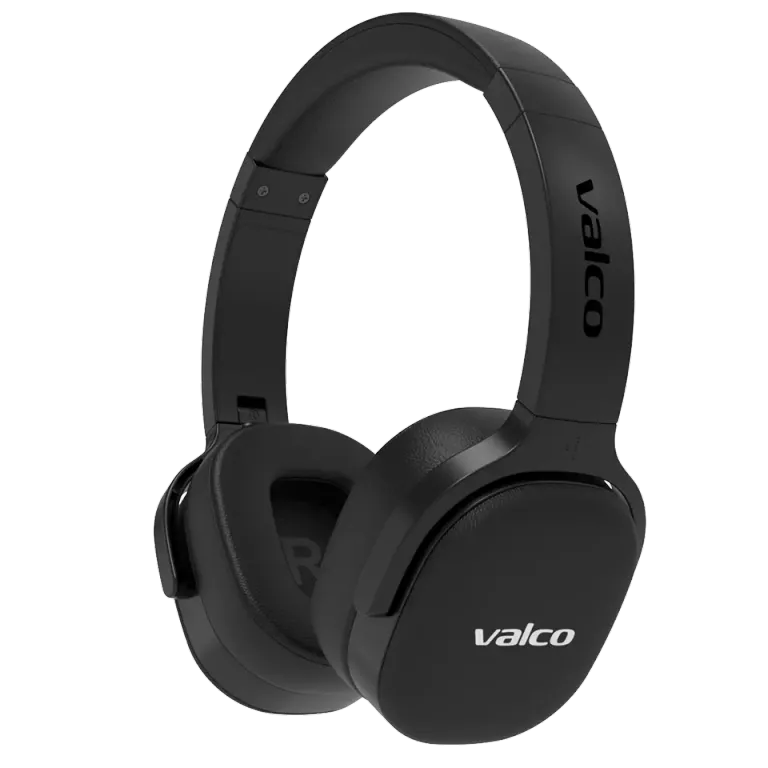
Yes, we have an app. No, it's not the kind of app that asks for your birthday, shows you ads, and wants to know your location. It's called Valco Updater, and it does exactly one thing: it updates your headphones' firmware. After that, feel free to delete it. We won't take it personally. Much.
What is Valco Updater?
Valco Updater is a free app that checks whether a firmware update is available for your headphones and installs it. That's it, for now. More features are coming in the next version, but we won't promise anything about them until they're actually out. That's what separates us from big corporations and politicians.
Which devices is the app available for?
- Android: download from Google Play.
- Windows 10 and 11 (64-bit): download the installer.
- macOS 11 (Big Sur) or later: download the installer. The same package works on both Apple Silicon and Intel Macs.
An iOS version is coming. A few iPhone-specific issues need fixing first, and we'll release the app once it works. Not before.
The update always travels over Bluetooth, on a computer too. So the computer needs Bluetooth. For a desktop without Bluetooth you'll need a USB Bluetooth adapter, or you use a laptop or a phone instead.
Windows will most likely greet the installer with a blue Windows protected your PC notice (SmartScreen). That doesn't mean it's a virus. The package is signed, but Microsoft doesn't know our app yet, and reputation only builds up as the downloads pile up. Click More info, check that the publisher says Valco Oy, and choose Run anyway.
We've tried to make the signatures solid enough that antivirus software won't panic either, but you never know. Only download the package from this page or from Google Play, so you know it's from us.
Which models does the app support?
Currently:
- VMK25.2
- VMK15
There are no firmware updates for other models (VMK25, VMK20, NL21, NL25, Nordell speakers), so there's nothing to update on them. If some guide tells you to "update the VMK20 firmware", it's outdated, or made up.
How to update
- Install Valco Updater on your phone, tablet, or computer (links above).
- Turn on your headphones and pair them with that same device via Bluetooth.
- Open the app and let it search for your headphones.
- If an update is available, the app will tell you. Tap install.
- Don't turn off your headphones or close the app mid-update. Keep the headphones charged and close to the device.
- After the update, the headphones restart. Done.
Updates don't come often. We release them when there's something actually worth fixing or improving.
What if I have an iPhone?
An iOS version is coming, but it's not here yet. Until then, the easiest route is a Windows or Mac computer: install Valco Updater on it and update from there. The update is a one-time thing, and you won't need the app for anything after that.
If you don't have a computer either, borrow someone's Android device for a minute. A friend's, partner's, or coworker's phone works just fine. Your headphones won't get attached.
App can't find your headphones?
- Make sure the headphones are paired in the device's Bluetooth settings (not just "visible").
- On a computer: make sure the computer's Bluetooth is turned on.
- On Windows: if the installer never started at all, SmartScreen most likely stopped it. See the instructions above.
- Make sure your model is VMK25.2 or VMK15. The app won't recognize other models, since there are no updates for them.
- Charge the headphones fully and restart them.
- Close the app completely and reopen it.
- On a Mac, the app requires macOS 11 or later, and an older macOS will refuse to open it. On Windows, you need Windows 10 or 11. On an older Windows the installation may go through, but the app won't start.
If nothing works
Send us a message at info@valco.fi. Tell us your headphone model, which device you're updating with (phone or computer, and which operating system), and what the app says or doesn't say. We'll figure it out together.