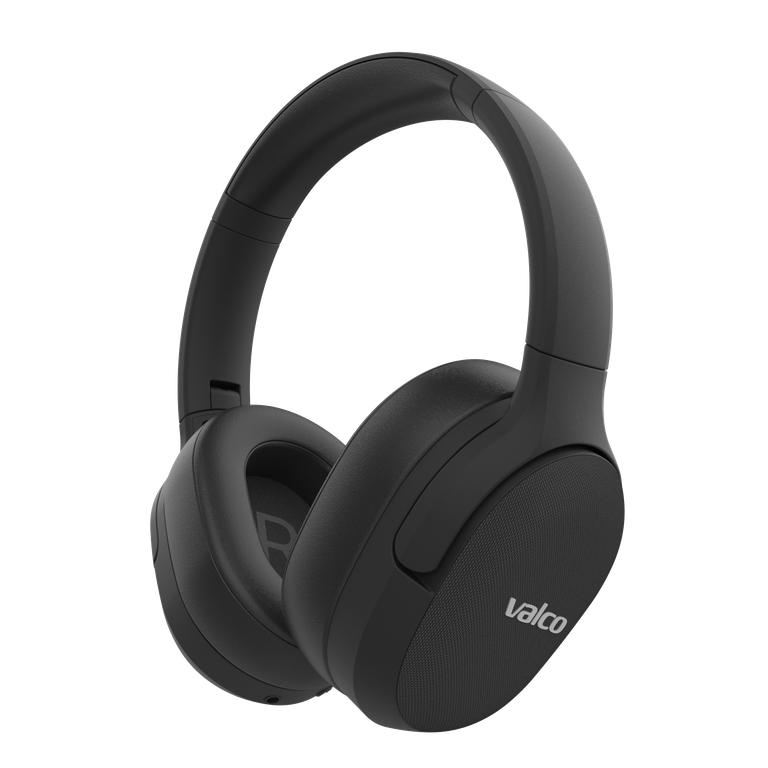
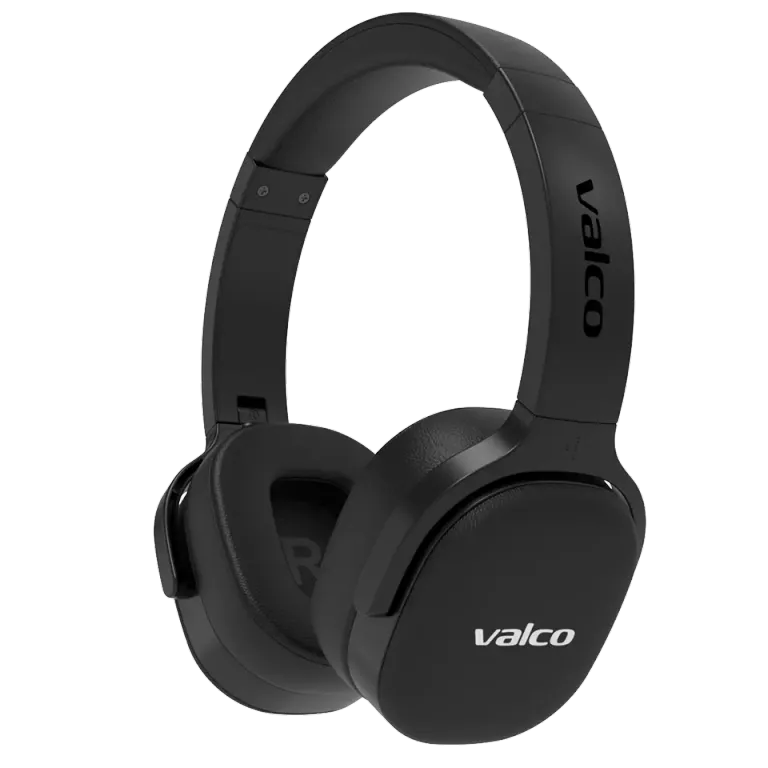
Your headphones spend their whole life on your head and in your ears, and it shows. Sometimes it smells, too. Here's how to keep them clean without wrecking them, plus a list of products that will do more damage than good.
Basic cleaning (all models)
You'll need: a dry or slightly damp microfiber cloth, some cotton swabs, and five minutes.
- Turn off the device and unplug any cables.
- Wipe the surfaces with a slightly damp (not wet) microfiber cloth.
- Dig into the gaps and seams with a dry cotton swab.
- Let everything dry before using or charging.
Do this once a month or so and you'll never need a bigger operation.
Over-ear headphone pads
- Twist off the pads and wipe them with a damp cloth. While you're at it, clean underneath them too, that's where the surprises tend to collect.
- Let the pads dry completely before putting them back on.
- If the pads are worn out or still smell after washing, they're a wear item: replacement pads are sold in our webshop, and swapping them is a tool-free, by-hand job.
Earbuds (NL21, NL25)
- Remove the ear tips and wash them with mild soap and water. Dry them thoroughly before putting them back on.
- Do NOT wash the earbud itself with water. Wipe it with a damp cloth and clean the sound grille with a dry, soft brush (a dry toothbrush works fine).
- Charging case: use a dry cotton swab on the contact points. Earwax and pocket dust on the contacts are the most common reason earbuds "won't charge."
Getting rid of smells
Sweat and skin leave their mark on the pads over time.
- Wash the removable parts (pads, ear tips) with mild soap.
- Let them dry completely, spread out fully open, at room temperature, not on top of a radiator.
- If the smell won't budge, leave the pads out overnight to air. Time takes care of the rest.
- If nothing helps, replace the pads. They cost a fraction of new headphones.
Products you should NOT clean with
- Isopropyl alcohol in large amounts. A small drop on a cotton swab for the contact points is fine, but soaking the surfaces in it eats away coatings and adhesives.
- Chlorite, all-purpose cleaners, glass cleaner: never.
- Wet wipes containing abrasives.
- Running water on any electronics: the IP rating protects against splashes, not a dunk in the sink.
- The rice bag trick for a wet device: that's a myth, and all it does is spread starch dust inside the device.
Got your headphones wet?
That's its own story: turn them off, wipe them dry, and let them air out in an open space for 24 to 48 hours. Don't charge them until the device is completely dry.
If something still doesn't work after cleaning, drop us a message at info@valco.fi and tell us what you did. Being honest speeds up the diagnosis, and we won't judge. We've seen it all.