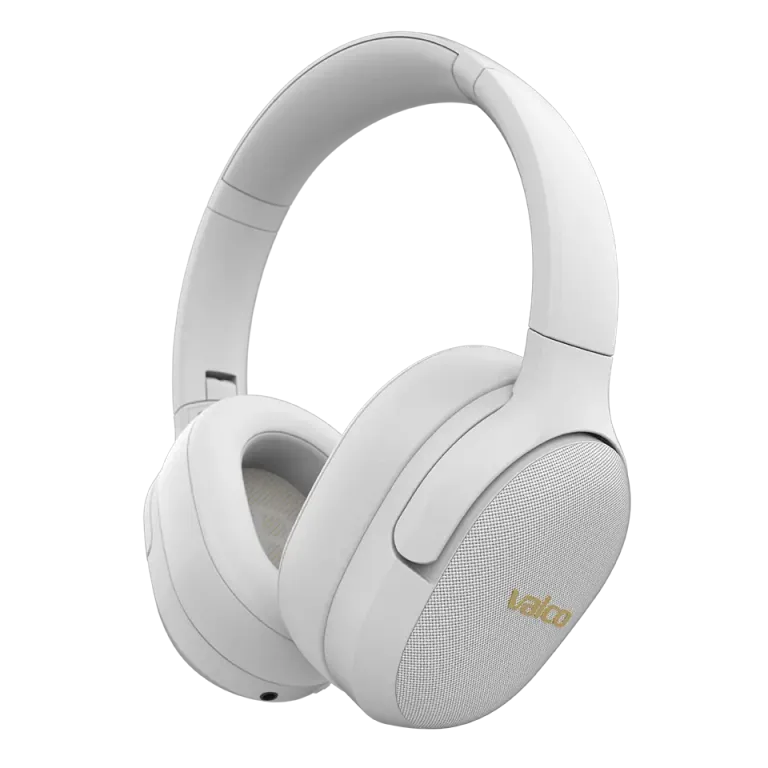
So you've got your headphones paired with your phone, but your computer refuses to play along. Or the other way around. Multipoint is a bit like a relationship – it requires commitment and clear communication from both parties. Luckily, with headphones it's a lot easier to fix than in real life.
How does multipoint actually work?
Multipoint means your headphones maintain a Bluetooth connection to two devices at the same time. Audio comes from whichever device is currently playing something. Start a call on your phone – audio switches to the phone. Hit play on your computer – audio comes from the computer.
However, the headphones don't mix two audio sources together. They always pick one at a time. This is a feature, not a bug.
How to get multipoint working
- Check that multipoint is turned on. Open the Valco app and make sure multipoint is enabled in the settings. By default it might be off – we didn't want to assume on your behalf.
- Connect the first device as normal. Turn on the headphones and let them connect to the first device (e.g. your phone).
- Press the three-dot button for 3 seconds. This puts the headphones into pairing mode for the second device. You'll hear an audio cue.
- Connect the second device. Go to the Bluetooth settings on your second device and select the headphones from the list.
- Done. Your headphones are now connected to both devices.
If you've previously paired both devices, the headphones will connect to them automatically on startup – as long as multipoint is enabled in the settings.
Most common issues and why they happen
- The second device can't find the headphones: You didn't hold the three-dot button long enough. Three seconds is longer than you think. Count it out nice and slow.
- Connection to the first device drops when the second one connects: Multipoint isn't enabled in the settings. Check the app.
- Audio stutters when both devices are connected: Bluetooth is radio technology, and sometimes there's interference between devices. Try moving the devices closer to the headphones. A microwave and a router in the same room aren't doing you any favours either.
- Computer won't connect even though the phone works fine: Your computer's Bluetooth drivers might be outdated. Update them. On Windows machines this is a surprisingly common problem, and it's not our fault – it's Microsoft's.
If nothing helps
Try this: turn off the headphones, forget them from the Bluetooth lists on both devices, and start the pairing from scratch with a clean slate. Sometimes Bluetooth devices get their memory in a twist and a fresh start does the trick.
If that doesn't work either, drop us a message at info@valco.fi. Let us know which headphone model you have, which devices you're trying to connect to, and what you've already tried. We'll sort it out.
Multipoint is one of those features you don't appreciate until it works – and then you can't live without it. A bit like discovering your local kebab shop does late-night deliveries.