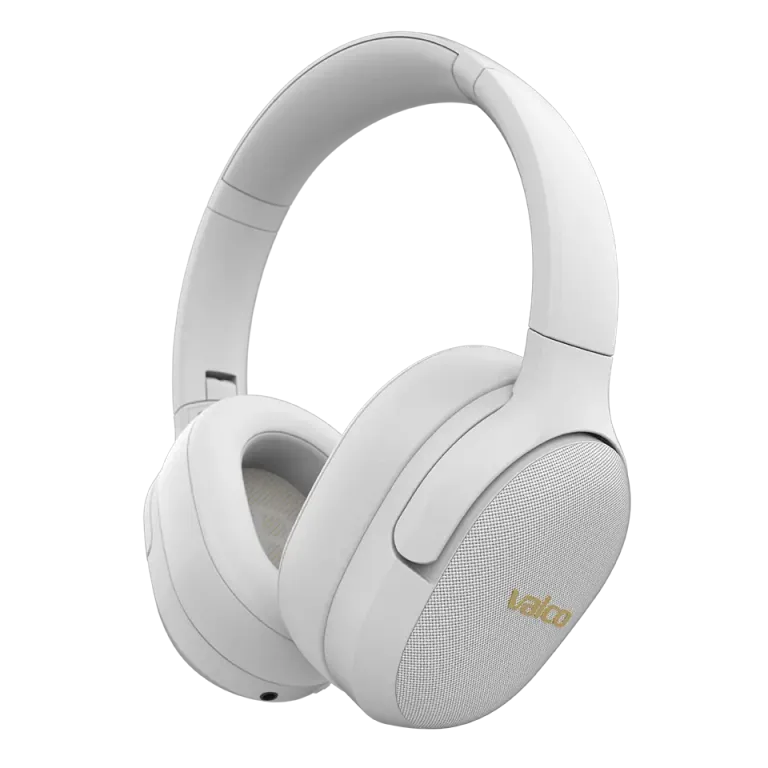
Bluetooth is cutting out. The audio keeps dropping like a dodgy DJ set at a wedding. We know the feeling – you're right at the best part of a song or a Teams call, and then silence. Don't worry, this is usually an easy fix.
Why does Bluetooth cut out?
The most common reasons are pretty mundane:
- The 3.5 mm cable messes things up. The VMK25 automatically switches to wired mode when you plug in the AUX cable. If you unplug the cable carelessly or the connection is loose, the headphones might jump back and forth between wired and wireless mode. That's what causes the cutting out.
- Multipoint connection. The headphones are trying to stay connected to two devices at once. If your phone and computer are fighting over the connection, the audio will drop out.
- Your device's Bluetooth drivers. Windows computers in particular can be a right pain. The computer might be using the wrong audio profile (hands-free vs. stereo), and that's where the misery begins.
- Distance or obstacles. Bluetooth 5.1 is pretty stable, but walls, microwave ovens, and other wireless devices can interfere with the signal. A phone in your pocket works better than a computer three rooms away.
How to fix it
Try these in order:
- Disconnect the AUX cable completely. If the cable is plugged in, unplug it. This also resets the Bluetooth circuit. Plug the cable back in and unplug it again – you'll hear a small click when the device switches back to wireless mode.
- Restart the headphones. Turn them off, wait about five seconds, turn them back on. Basic stuff, but it works surprisingly often.
- Remove the device pairing and reconnect. Go to your phone's or computer's Bluetooth settings, remove VMK25 from the device list, and pair again. This solves the majority of issues.
- Check multipoint. If the headphones are connected to both your phone and computer, try disconnecting one of them. See if things improve.
- Windows users: check the audio profile. Go to Windows sound settings and make sure you're using "VMK25 Stereo" and not "VMK25 Hands-Free". The Hands-Free profile is meant for calls, and its audio quality is roughly on par with a landline phone.
- Try a different device. Connect the headphones to your phone and test. If the problem only happens on your computer, the issue is most likely with the computer's Bluetooth drivers or settings.
Teams and other video call apps
Teams is a beast of its own. It likes to switch the audio profile on the fly to call mode, which causes a brief dropout. In Teams settings, make sure both the speaker and microphone are set to the same device. If you use Teams a lot, consider a wireless boom microphone as an accessory – it improves both audio quality and connection stability.
If nothing helps
If none of the above works and Bluetooth is still cutting out, get in touch with us at info@valco.fi. Include your order number and tell us what you've already tried – saves time for both of us. Our service team in Kajaani can take a proper look at the device if it turns out to be a hardware issue.
Bluetooth problems are fortunately almost always software-related. You rarely need to send anything anywhere – usually just removing the pairing and redoing it does the trick. No magic required.