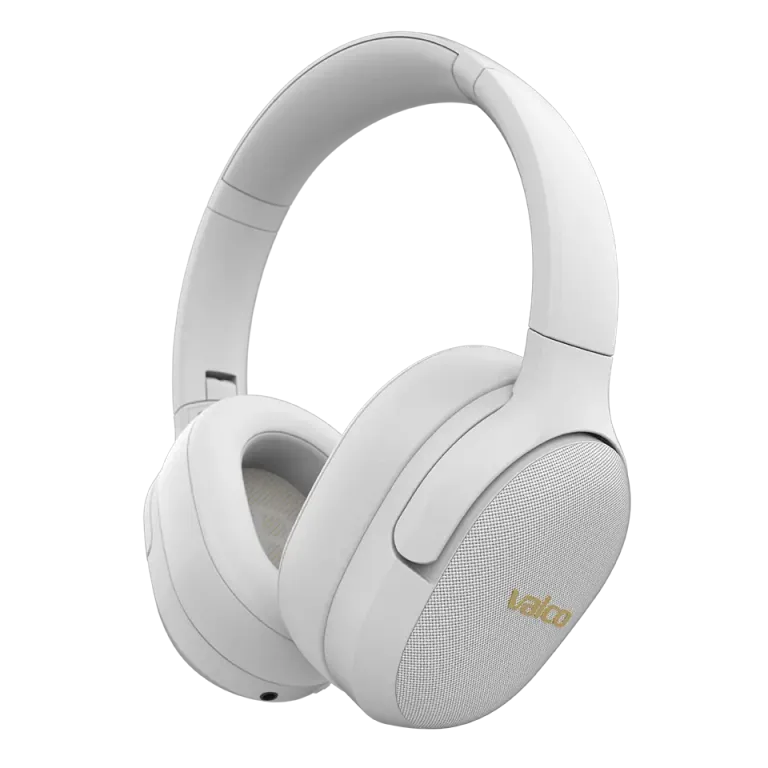
Bluetooth codecs are one of those topics nobody bothers to read about — until the sound makes it feel like you're playing music through a potato. Then suddenly you care about codecs.
VMK20 and VMK25 support different codecs, and that directly affects sound quality. Let’s go through what this means in practice.
Which codecs do VMK25 support?
A codec is the way music is compressed and sent over Bluetooth from the phone to the headphones. Better codec = more data = better sound. Simple.
VMK25 (Bluetooth 5.1):
- SBC — the same basic codec
- AAC — same deal
- aptX HD — high-quality codec, the best sound of the bunch
Why does my audio sound terrible?
Most common reasons:
- Wrong codec in use. The phone and the headphones negotiate the codec automatically. If the phone doesn’t support aptX, it falls back to SBC. It works, but you’ll hear the difference.
- Hands-free profile is enabled. This is the classic. Windows in particular likes to switch the headphones to hands-free mode, at which point the sound quality collapses like the Soviet Union. The hands-free profile allocates bandwidth to the microphone, leaving crumbs for music. In Windows, go to the sound settings and make sure you’re using "Headphones" and not "Headset".
- Phone’s Bluetooth settings. On Android you can check the active codec: Settings → Developer options → Bluetooth Audio Codec. On iPhone, Apple decides for you and uses AAC. Welcome to Apple’s ecosystem.
- Loud peaks or glitches. If you hear sudden loud spikes on certain tracks, the issue may be related to the interaction between the codec and specific audio material. Try switching the codec to SBC and see if it repeats. If not, the cause is in codec decoding on the sending device.
How to check and change the codec
- Android: Open Developer options (tap your phone’s build number 7 times — yes, really). Go to Bluetooth Audio Codec and choose what you want.
- Windows: Codec selection depends on the Bluetooth adapter. Most built-in adapters only support SBC. A separate USB dongle with aptX support improves things a lot.
- iPhone: You can’t choose. Apple uses AAC. Period.
If the sound is still crap
- Try a 3.5 mm AUX cable. It bypasses Bluetooth entirely, and you’ll hear what the headphones actually sound like. If the sound is good with the cable but bad over Bluetooth, the problem is the codec or the sending device.
- Reset the headphones: plug in the AUX cable and unplug it. This resets the BT chip.
- If nothing helps, send a message to info@valco.fi. Tell us which device, which phone, and what the issue is. We’ll figure it out.
Codecs are a bit like beers — SBC is grocery-store lager, aptX HD is a craft IPA. Both work, but there’s a difference. And neither helps if the glass is dirty.