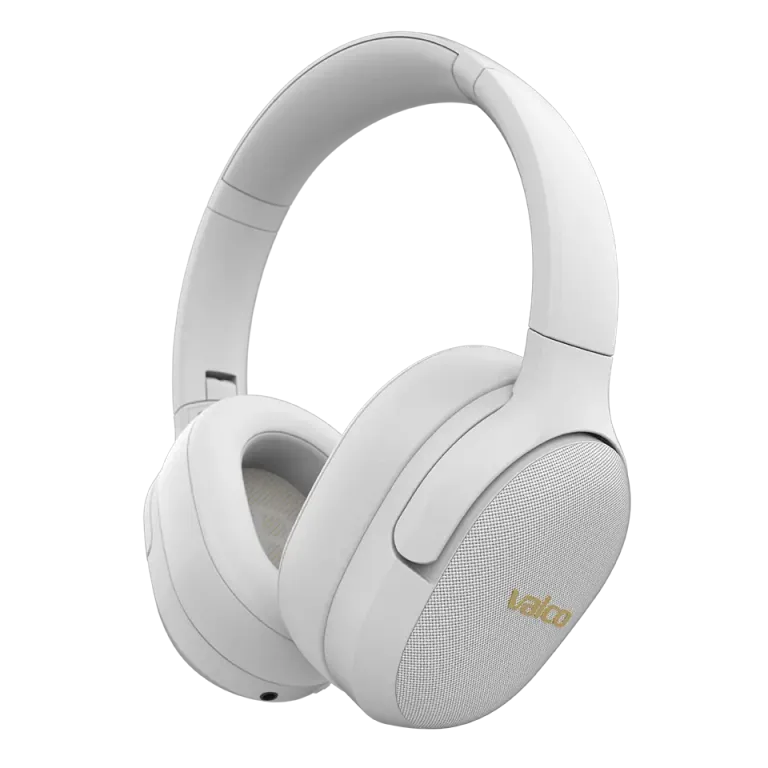
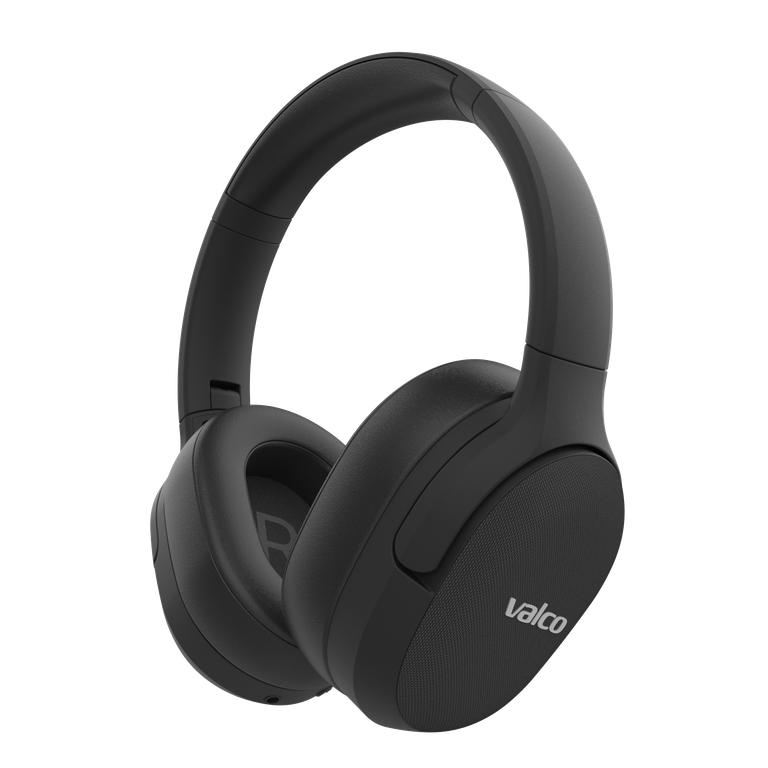
Short answer: yes. The VMK25 supports multipoint connection, meaning you can have two devices connected at the same time. Phone in your pocket, laptop on the desk, headphones on your head – they all chat with each other like old mates.
How does multipoint work in practice?
Multipoint means the VMK25 remembers and keeps two Bluetooth connections active at the same time. The typical use case is exactly what everyone asks about: laptop handles Teams meetings and the phone handles calls and music.
Audio comes from whichever device is currently sending it. If you're listening to music from your phone and a Teams call starts on your laptop, the headphones switch audio source automatically. When the call ends, the music carries on. No need to disconnect and reconnect anything.
What about Teams meetings – does it work?
It does. The VMK25 connects to your computer via Bluetooth perfectly normally, and Teams recognises the headphones as both an audio output device and a microphone. The mic uses CVC8 noise suppression, so your colleagues hear you and not the dog barking concert in the background.
A few practical tips for Teams use:
- Check your Teams audio settings: Select VMK25 as both speaker and microphone. Teams doesn't always guess correctly.
- Bluetooth connection to your laptop: Make sure your computer's Bluetooth is on and the headphones show up as paired. If your laptop's Bluetooth is ancient, audio quality might drop. In that case the aptX HD codec might not be available, but for voice calls it'll do just fine.
- Turn on ANC for meetings: Press the ANC button on the left ear cup. The open-plan office noise disappears and your focus improves. ANC won't eliminate your colleague's laughter right next to you, but it'll sort out the air conditioning hum and general office background noise.
How many devices can it remember?
The VMK25 remembers pairings with multiple devices, but only two can be active at the same time. If you want to swap one device for another, turn off Bluetooth on the previous device or disconnect it from the headphone settings.
In practice this means you can pair the headphones with your work computer, home computer, phone, and tablet – but only two of them will be connected at any given time.
If the connection acts up
Bluetooth is a wonderful invention when it works. If connecting gets fiddly:
- Turn off the headphones and restart them
- Turn your computer's Bluetooth off and on again
- Remove VMK25 from your computer's Bluetooth device list and pair again
- Try plugging in and unplugging the 3.5mm AUX cable – this resets the Bluetooth circuit
If nothing helps, drop us a message at info@valco.fi. We'll figure it out.
And yes – every successful Teams meeting funds our Death Star by approximately 0.000001%. Thanks for your contribution.