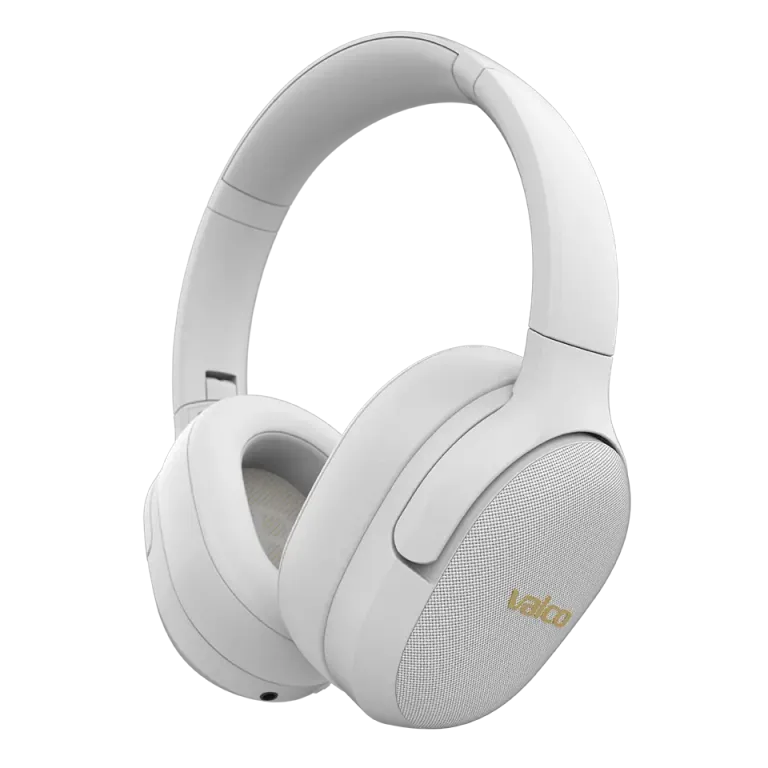
aptX Lossless sounds fantastic on paper. Wireless, CD-quality, lossless audio, what's not to like. In practice though, the codec is picky about who it agrees to play with: both ends of the chain need to support it, on the right firmware no less. Good news: the VMK25.2 is now a member of that club.
Do Valco headphones support aptX Lossless?
The VMK25.2 does. Support arrives with a firmware update, so install the Valco Updater app first and update your headphones. The app is currently available for Android, other platforms are in the works.
The VMK15 gets aptX Lossless support in an upcoming update. It already works on our test bench, we're just polishing the release. Feel free to install Valco Updater now so it's ready and waiting.
The other models won't be learning Lossless: the VMK20 and the original VMK25 use aptX HD, and the NL25 uses aptX Adaptive. The difference is mostly audible on paper, but more on that at the end.
Why doesn't aptX Lossless activate anyway?
aptX Lossless is a Qualcomm codec that requires explicit aptX Lossless support from both devices. This is where things usually go sideways.
Plenty of devices support aptX, aptX HD or aptX Adaptive, but aptX Lossless is a different beast. It's an extension built on top of aptX Adaptive that needs a recent Qualcomm chip and the right firmware at both ends. So plain aptX Adaptive support does not automatically mean aptX Lossless support.
In practice:
- The iFi Zen Blue 3 supports aptX Adaptive, but not necessarily aptX Lossless. Check iFi's own specs; they don't exactly advertise Lossless support prominently.
- The Sennheiser BTD 700 is a USB Bluetooth dongle that supports aptX Adaptive. Same deal, aptX Lossless is a different story.
- Many Android phones support aptX Adaptive but not Lossless. It depends entirely on which Qualcomm chip the manufacturer picked and what's enabled in the firmware.
How to get it working
- Update your headphones. The VMK25.2's aptX Lossless support arrives with a firmware update. Valco Updater handles it.
- Check the other device's specs. Look for an explicit aptX Lossless mention on the manufacturer's site. Plain aptX Adaptive won't cut it.
- Unpair and pair again. The codec is negotiated during pairing, so after an update an old pairing may carry on with the old codec.
- Try a phone directly. A recent Android phone with a Snapdragon 8 Gen 1 chip or newer tells you whether the chain works at all.
- Check developer options. On Android, Developer options > Bluetooth Audio Codec shows which codec is in use.
If nothing helps
If your VMK25.2 is updated and you're sure the other device supports aptX Lossless but it still won't activate, drop us a line at info@valco.fi. Tell us what gear you're using and what you've already tried, and we'll sort it out.
And if your other device won't do Lossless, no harm done. aptX Adaptive and aptX HD sound excellent too. The difference to Lossless is honestly small, the kind you hear mostly in a quiet room, with good source material, while concentrating. A bit like comparing 95% chocolate to 100%. Both beat whatever the petrol station sells.