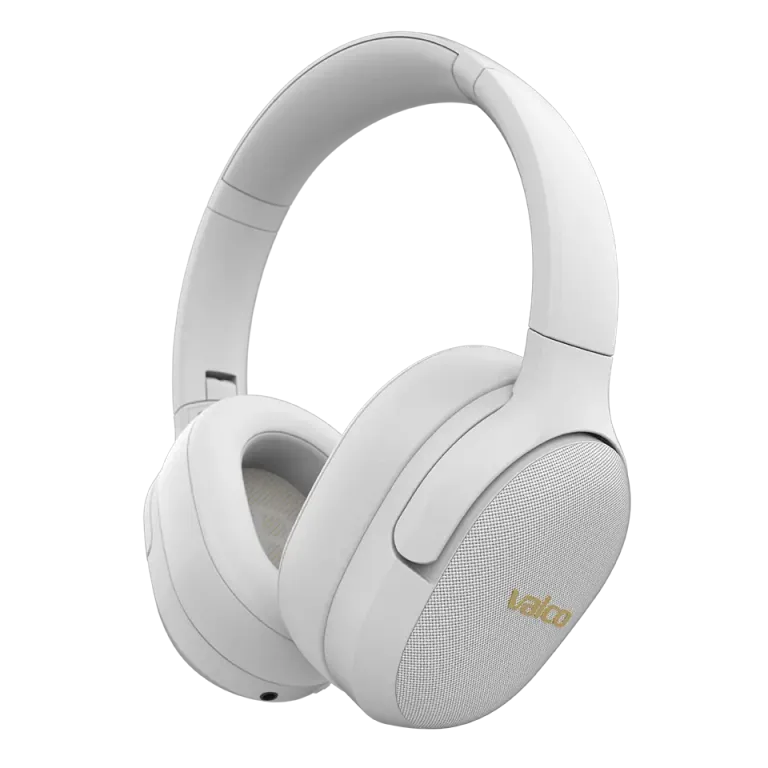
The connection dies mid-song, and the NL21 acts like it's got something personal against you. It hasn't. Bluetooth dropouts almost always have a logical cause, and it's on this list.
Go through these in order
1. Remove the pairing and pair again
An old pairing that's gone stale over the years is the usual culprit. Phone updates and a dozen other Bluetooth devices mess with pairing data over time.
- Remove "NL21" from your phone's Bluetooth list ("Forget device")
- Turn your phone's Bluetooth off and back on
- Take the buds out of the case and select NL21 from the list again
2. Do a factory reset
If re-pairing wasn't enough, wipe the buds completely:
- Put both buds in the case and plug the charging cable into the case
- Hold the touch panel on both buds for 5 seconds
- The blue light flashes once, the pairing memory is empty
- Pair again with a clean slate
Note: the button on the case doesn't reset anything. It just shows battery level.
3. Check that no other device is hogging the connection
The NL21 connects to one device at a time. If the buds were ever paired to a work laptop or tablet, that thing might grab the connection first, leaving your phone twiddling its thumbs. Turn off Bluetooth on other devices or remove the NL21 pairing from them.
4. Keep the devices close together
Range is about 10 meters with a clear line of sight. Walls, people, and pockets cut that down fast. If the dropouts always happen right as you walk into the kitchen, mystery solved.
If that doesn't help
If the dropouts continue even after a reset, or only one bud is acting up, email info@valco.fi and include your order number and which bud is having issues. Warranty is 24 months, and a covered defect gets fixed with a replacement unit that actually works.