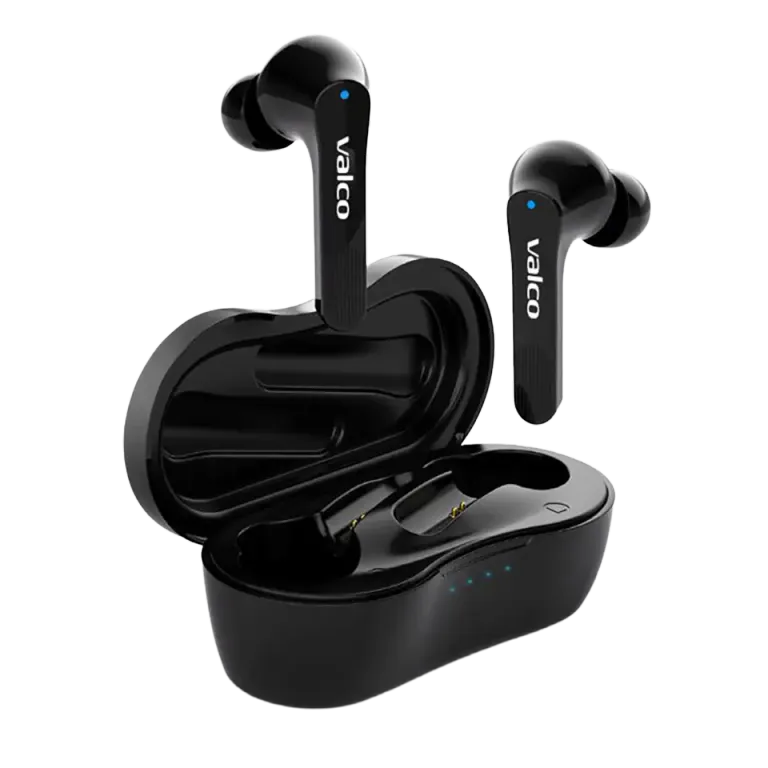
A classic case. One bud blasts at full volume, the other whispers like it got caught stealing the neighbor’s Wi‑Fi password. Usually this doesn’t mean the earbud is broken – it has just decided to reset its own volume for some reason. Fortunately, the fix is easier than making your morning coffee.
What went wrong?
The NL21 earbuds remember their own volume levels independently. Sometimes one bud – usually the right one, because why not – decides to reset its volume to the minimum. This can happen, for example, when the buds briefly lose connection to each other or when something unexpected occurs during Bluetooth pairing.
So it’s not a broken driver or a dying battery. The bud simply thinks you want to listen so quietly that you can’t really hear it. It’s a bit like turning on the TV on mute – everything works, but nobody enjoys it.
How to fix it
Try this first:
- Place both buds in the charging case
- Connect the charging cable to the case
- Press and hold the right earbud’s touch panel for 5 seconds
- Wait for the blue light to flash once
- Take the buds out of the case and reconnect to your phone
- Check whether the right bud now sounds normal
If the issue persists, perform a full reset on both buds:
- Put the buds in the case, plug in the charging cable
- Hold both earbuds’ touch panels down for 5 seconds
- The blue light flashes once on each
- Remove the earbuds from your phone’s Bluetooth settings completely
- Take the buds out of the case – they’ll enter pairing mode automatically
- Reconnect to your phone as if it were the first time
Also check these:
- Phone’s volume balance – some phones let you adjust the balance between left and right channels separately. Check your phone’s accessibility settings to ensure the balance isn’t skewed.
- Earbud’s charging case contacts – wipe them with a dry cloth. Dirt builds up there surprisingly easily.
- Ear canal – this sounds silly, but earwax clogs the sound port surprisingly often. Gently clean the earbud’s mesh with a dry, soft brush.
If that doesn’t help
If the right bud is still whispering like a conspiracy theorist in a library after the reset, it may be a driver fault. Send us an email at info@valco.fi – include your order number and a short description of the issue. A photo helps too, even if it’s hard to take a picture of a quiet sound.
If the device is under warranty, the Kajaani service team will take care of it. We repair things here, we don’t throw them away – even if it’s just one small bud that has forgotten how volume works.