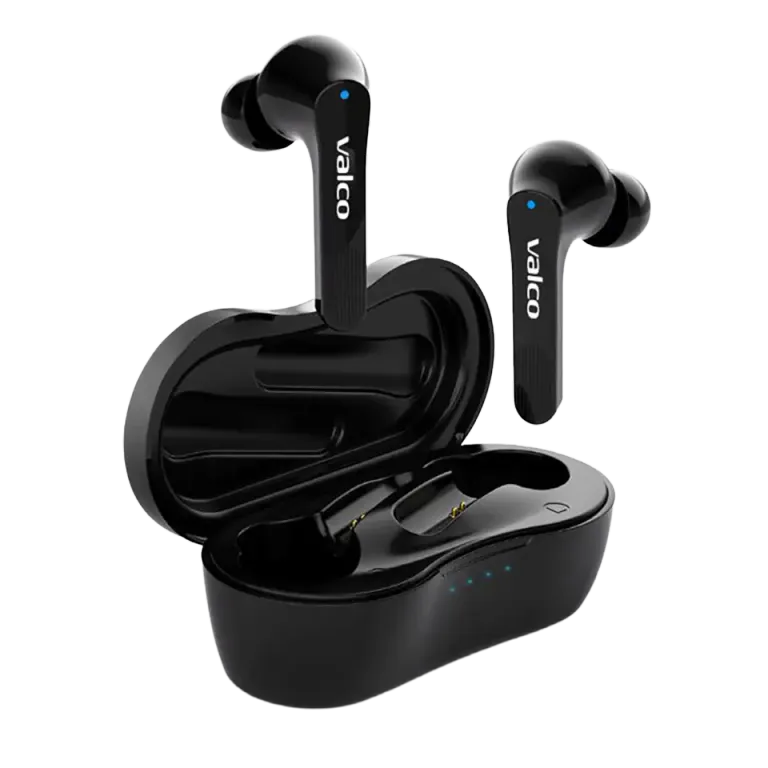
Touch Panel Location
On the NL21 headphones, the touch panel is located on the outer surface of the ear cup. Taps and presses are automatically recognized. Don't press too hard — a light touch is all it takes.
Music Control
- One tap: Pause / Play
- Two taps: Next track
- Three taps: Previous track
Volume adjustment is done via your phone. The touch panel does not control volume — this is a conscious choice, as accidental touches would constantly adjust the volume.
Call Management
- Tap the touch panel: Answer call or End call
- Hold the touch panel for 2 seconds: Reject incoming call
This works on both headphones — you can use either one.
Tips for Using the Touch Panel
The touch panel responds best to a dry finger. Recognition might be inaccurate with wet or very cold fingers.
If the touch panel feels too sensitive or doesn't respond correctly, check that the headphones are seated properly in your ears. Loosely fitting headphones can register false touches.
Remember: a light tap, not a press. Imagine tapping your phone screen — the same force is enough.