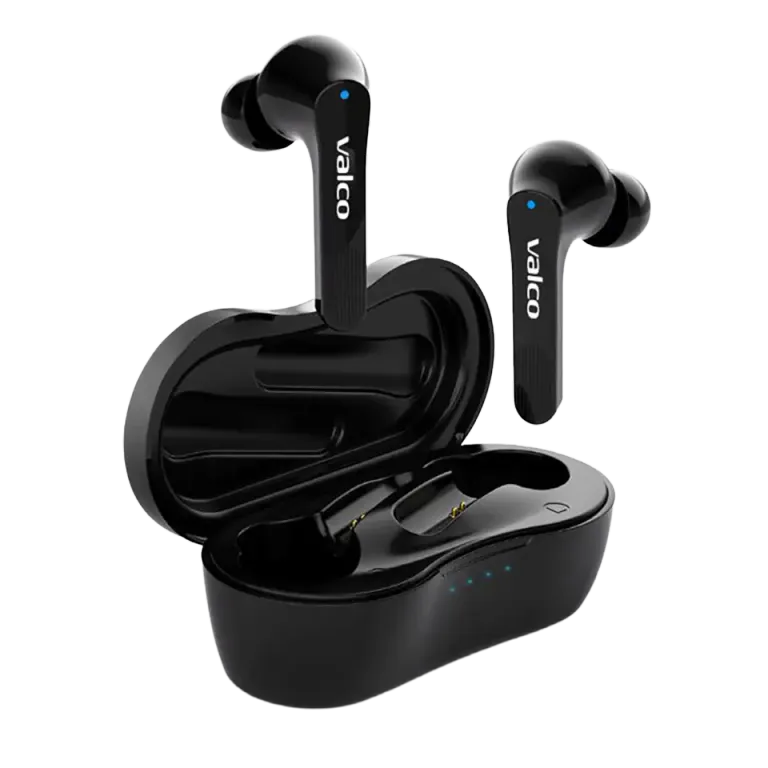
When to Reset?
You should reset your NL21s when:
- The headphones won't connect to your phone
- Only one earbud connects
- The audio is strange or distorted
- The touch controls are unresponsive
- The headphones are otherwise behaving strangely
Resetting isn't dangerous at all — it just clears all Bluetooth pairings and restores the settings to default. Think of it as a fresh start!
Resetting Steps
1. Place both earbuds into the charging case.
2. Keep the charging case lid open.
3. Press and hold the button on the case for about 10 seconds.
4. The LED indicators will flash — this means the reset is in progress.
5. Release the button and close the case lid.
6. Wait a few seconds, then open the lid again.
After the Reset
1. Remove "NL21" from your phone's Bluetooth settings (forget the device).
2. Open the charging case lid — the earbuds will power on and enter pairing mode.
3. Find "NL21" in your phone's Bluetooth settings and reconnect.
4. Test that both earbuds play audio and the touch controls are working.
If the issue persists after resetting, please contact our support at support@valcoaudio.com.