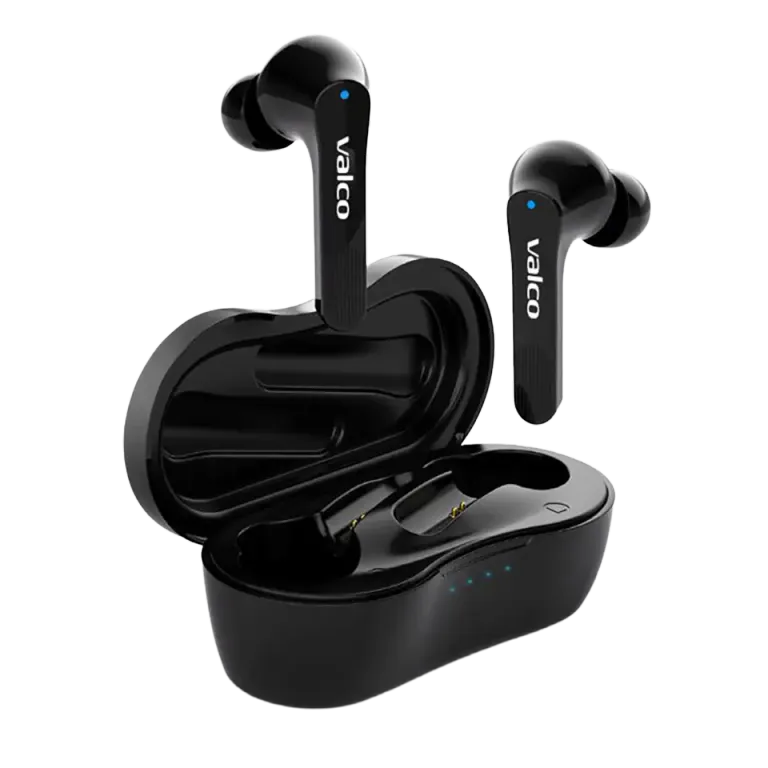
USB-C connector won't charge. Your device is just sitting on the desk like a brick, not responding to anything. We've all been there. Before you start suspecting the device is broken, let's go through a few things – because most charging issues are actually sorted without any repairs.
Why won't USB-C charge?
USB-C is a brilliant invention, but charging problems are surprisingly common. The cause is rarely the device itself. The usual suspects:
- The cable is rubbish. There are millions of USB-C cables on the market, and a huge chunk of them are absolute junk. A cheap cable might work for a week and then quietly die on you. On the outside it looks exactly the same as a working cable. This is by far the most common cause.
- The power source is too weak. Not all USB ports deliver enough juice. Your computer's front panel USB port or a cheap car charger might simply not have enough oomph.
- There's lint in the charging port. A device that lives in your pocket collects dust, lint, and all sorts of gunk in the port. The connector doesn't go all the way in, and you end up with a dodgy half-contact.
- The device is deep-discharged. If the device has been sitting empty for a long time, the battery can be so flat that it won't wake up and start charging right away. This isn't a fault – it's just physics.
How to fix it
Go through these in order. Each step eliminates one possible culprit.
- Swap the cable. Grab a different USB-C cable. Preferably one you know works with another device. This alone solves the vast majority of cases.
- Swap the power source. Plug the cable into a phone charger or a USB port on the back panel of your computer. Avoid USB hubs and cheap chargers. A wall charger is always the safest bet.
- Clean the charging port. Grab a toothpick or a dry, soft brush and carefully dig out the port. Don't use metal – it can damage the connector contacts. Blowing into it helps too, as long as you don't spit in there while you're at it.
- Let the device charge in peace. If the device has been sitting unused for a long time, plug it in and wait at least 15–30 minutes. A deep-discharged battery might not show any signs of charging straight away. Don't mash the power button at this point – just let the device wake up in its own time.
- Make sure the connector clicks in properly. The USB-C connector should go in firmly. If it feels loose or wobbly, there's probably something in the way – go back to step 3.
If nothing helps
If you've tried everything above and the device still won't charge, it might be a hardware fault. Time to call in the pros.
Drop us a message at info@valco.fi and let us know:
- Which device it is (model)
- Order number or proof of purchase
- A photo of the charging port (just to be safe)
- What you've already tried
We repair devices at our own service centre in Kajaani. At Valco, we don't chuck electronics in the bin just because a charging port is playing up.
Remember, the cable is always the first suspect. Nine times out of ten, the culprit is that couple-of-quid lead, not the device itself. Buy cheap, get cheap – except with our headphones, where cheap gets you expensive quality.