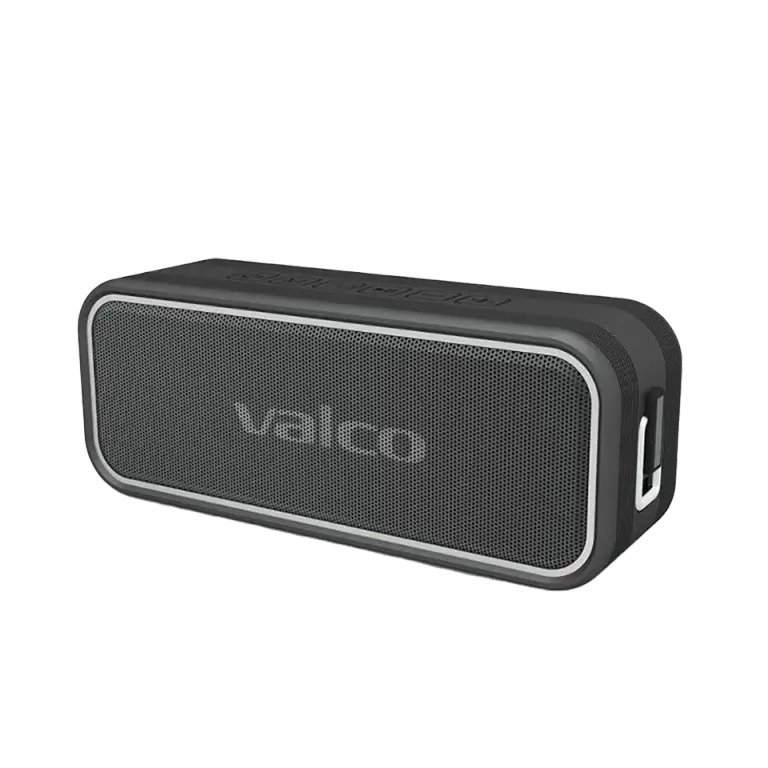
You press the power button and wait for that familiar startup sound. Nothing. The red light flashes like an ambulance beacon, and the speaker just lies there on the table like a burnt-out barbecue coal. Don't worry, this is usually easy to fix.
Why is the MK3 flashing red and refusing to cooperate?
A fast red flash usually means one of two things:
- The battery has drained completely. If the speaker has been sitting empty for a long time, the battery can drop so low that the device can't manage to start. It tries, flashes frantically and gives up.
- The firmware has tied itself in a knot. Electronics do this sometimes. The software gets stuck in a state it can't escape without help. Like the Windows blue screen, but in red and in a smaller package.
How to fix it
1. Charge the speaker properly
- Plug in the USB-C charging cable and let the device charge for at least 2 hours before you try to turn it on.
- Preferably use the charger's own cable, or at least a decent USB-C cable. The cheapest cables don't always deliver enough power.
- While charging, the red light stays on steadily: that's normal. When the battery is full, the light turns off.
2. Do a factory reset
- Press the M button and hold it down for 10 seconds. Yes, ten seconds feels like a long time. Count out loud if it helps.
- Let go and try turning it on normally with the power button.
- This resets the speaker's settings and Bluetooth pairings. You'll need to pair your phone again, but that's a small price for a working speaker.
3. Try a different charger and cable
If the device doesn't react to charging at all, the fault may be in the cable or the charger. Try another USB-C cable and another charger. The MK3 supports 5V/3A charging, but it will start up with less too, as long as some power is coming in at all.
4. Charge and reset in combination
- Plug in the charging cable.
- Hold the M button down for 10 seconds while the charging cable is connected.
- Wait a minute and try turning it on.
This combination helps in situations where the battery is so empty that the device can't even reset itself without external power.
If nothing helps
If the speaker won't come back to life after any of the above, it's probably a hardware fault. These things happen, electronics are electronics.
Send us an email at info@valco.fi and include:
- Your order number (you'll find it in your order confirmation)
- A photo or video of the problem (the red flashing is enough)
- A short description of what you've already tried
During the warranty period (24 months) it's all handled free of charge: you get a working device in exchange. Headphones we repair, for speakers a replacement is the more sensible way.
And if your MK3 survived beach trips, a stint between the dog's teeth and three festivals before giving up, honestly, it has earned its retirement. Let's still take a look together at what can be done.