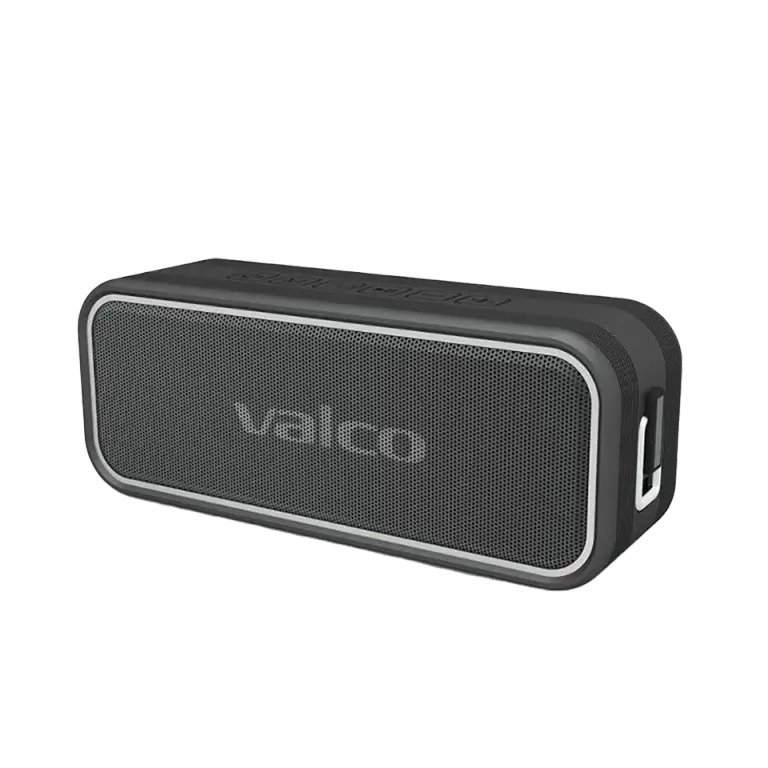
Micro SD card
The Nordell MK3 has a Micro SD card slot under the protective flap (port 8).
1. Get a Micro SD card (supports up to 64GB cards).
2. Copy music files to the card in supported formats: WAV, FLAC, APE or MP3.
3. Insert the card into the speaker’s card slot.
4. Press the M button (button 2) until the audio source switches to SD mode.
5. Music starts playing automatically. Use vol+/vol- and long presses to skip tracks.
AUX cable (3.5mm)
If you want to play audio the traditional way:
1. Connect a 3.5mm audio cable to the speaker’s AUX port (port 9, under the protective flap).
2. Connect the other end to your audio source (phone, computer, MP3 player, turntable...).
3. Press the M button to switch to AUX mode.
4. Volume is adjusted from both the speaker and the audio source.
Tips
• AUX connection also works when the speaker’s battery is low (as long as it’s powered on).
• Tracks on an SD card play in alphabetical order by filename – number your files (01_track.mp3) if you want a specific order.