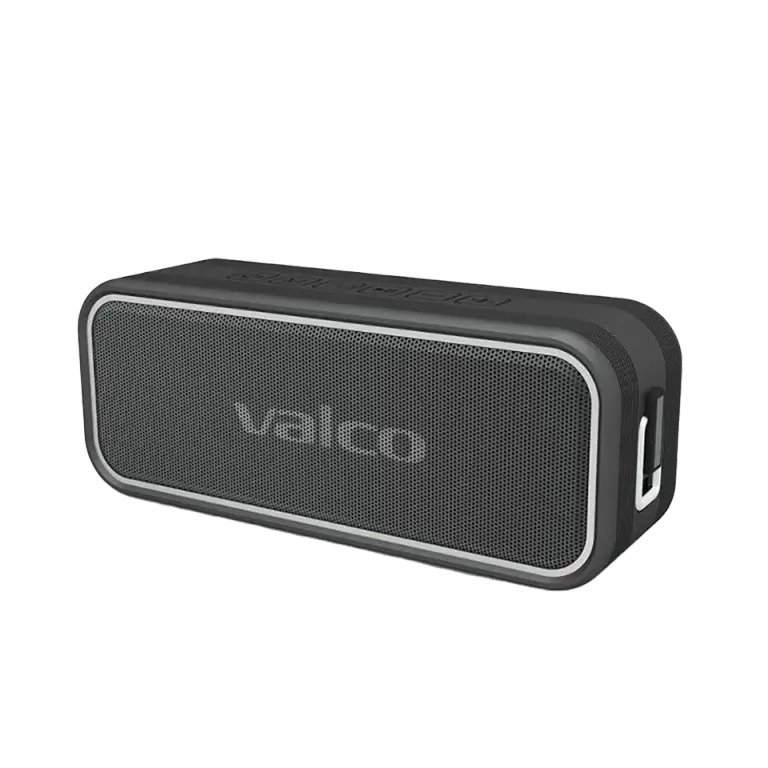
Stereo listening with two Nordell MK3s is a great experience. Until you notice the guitar is coming from the wrong direction and the singer is standing on stage as a mirror image. The channels are swapped, and that's rightfully annoying.
Why do the channels get crossed?
In Nordell MK3 stereo pairing, one speaker takes the left channel and the other takes the right. The split happens automatically when the pair is formed, and you can't choose it from the speaker's buttons.
The problem is simple: the speakers have no idea which side of you they're sitting on. They just play whichever channel was automatically assigned to them. There's nothing actually wrong with the device here. It's more of a philosophical disagreement between you and the speaker about what's right and what's left.
How to fix it
The solution is so easy it's almost annoying:
- Swap the speakers' positions. If the one on the right is playing the left channel, move it to the left and the other one to the right. Done. No rocket science required.
- If the stereo pair is otherwise mixed up, re-pair it like this:
- Turn off both speakers and remove the old connection from your phone's Bluetooth settings
- Turn on both speakers so the blue light blinks on each
- Set the speakers side by side and let them find each other. Don't connect your phone yet, or the stereo pair won't form
- Connect your phone to the Nordell MK3 via Bluetooth. One connection is enough, the sound goes to both speakers
- Check the channels by playing a track where you know what comes from where. If the channels are crossed, swap the speakers' positions
- Test tip: Search YouTube for "left right audio test". You'll figure out which speaker is playing what in seconds.
One of our customers suggested using a Public Enemy track where the sounds bounce from side to side as a test. That works brilliantly too, though musical taste is everyone's own business.
About software updates
The Nordell MK3 unfortunately doesn't have a software update that would let you swap channel direction digitally. A speaker is a speaker – not a computer. Physically swapping their positions is the solution, and honestly, it's more reliable than any firmware update.
If that doesn't help
If the channels won't swap no matter what – both are playing the same channel, one is mute, or the sound is otherwise weird – then you might be dealing with an actual fault rather than just a placement issue.
In that case:
- Break the stereo pairing by turning off both speakers
- Test each one separately – do they both work normally on their own?
- If the problem persists, drop us a message at info@valco.fi and include your order number
We'll sort it out. A speaker that breaks during the warranty is swapped for a working one, but usually this is solved by just swapping the speakers around. Sometimes the simplest solution is the best one – even if it doesn't make for a very dramatic story to tell.