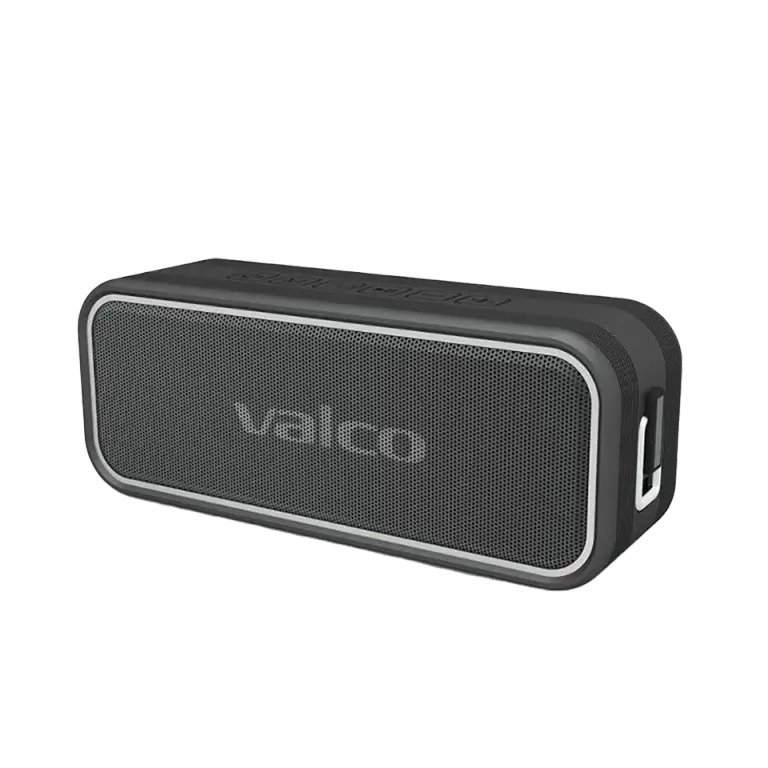
So you pressed the 3D button and the speaker's light turned blue. Good news: nothing is broken. Even better news: the speaker is doing exactly what you told it to.
The blue light is the 3D mode indicator
The indicator light next to the 3D button on the Nordell MK3 tells you which sound mode the speaker is in:
- Blue light on: 3D sound mode is on. The sound spreads out and feels more spacious.
- White light on: audiobook mode (Clear Audiobook) is on. Speech is emphasized and everything extra gets trimmed away. You get there by pressing the 3D button twice quickly.
- No light: neither mode is on, the speaker plays the sound as it is.
So: one press turns 3D on (blue light comes on), another press turns it off (light goes out). A double press switches to audiobook mode (white light). The light is not a bug, it's a receipt that the button worked.
What about that other blue light?
The MK3 also has a connection light, which is also blue. It blinks when the speaker is waiting for a Bluetooth connection, and stays steadily lit when the connection is up or music is playing from an AUX cable or a memory card. Two blue lights in different places, two different things. We're not claiming this is the world's most intuitive solution, but at least it's consistent.
Charging status is shown by the red light: red on = charging in progress, red off = battery full.
Good to know about 3D mode
- 3D mode doesn't work in TWS stereo pairing. When two MK3s play in stereo, 3D is disabled. This is a feature, not a fault.
- 3D mode is forgotten when the speaker is switched off. If you want it back, press the button again next time.
If the light is genuinely acting up
If the light blinks randomly, doesn't come on at all, or the speaker doesn't react to the 3D button in any way, try these:
- Turn the speaker off and back on (long press on the power button).
- Clear the pairing memory: hold the M button for a couple of seconds and turn the speaker off. Turn it back on and pair your phone again.
- If the device is stuck, a long press on the play button resets it.
If the light still has a mind of its own, drop us a message at info@valco.fi. Include your order number and preferably snap a photo or a short video of the situation. The warranty is 24 months, and a fault covered by the warranty is handled by replacing the device with a working one.
Although, to be fair, blue is a rather pretty color. Depression Blue, our favorite. And now you know it also means something.