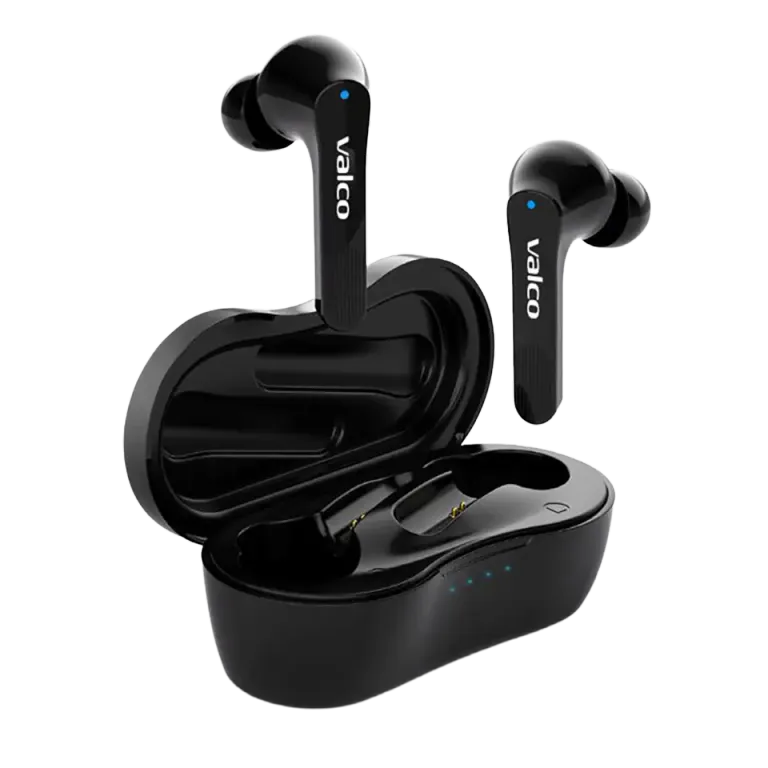
First things first
Check these before you go any further:
- Is your phone's Bluetooth turned on? (Yes, this is the most common reason.)
- Are your earbuds charged? Place them in the case for 15 minutes and try again.
- Are you too far away? The Bluetooth range is about 10 meters.
- Is another device already connected to the earbuds? NL21 connects to only one device at a time.
Reconnecting
1. Go to your phone's Bluetooth settings.
2. If "NL21" appears on the list (connected or not), tap it and select "Forget Device" or "Unpair".
3. Place both earbuds in the charging case and close the lid.
4. Wait 5 seconds.
5. Open the lid. The earbuds will power on and enter pairing mode.
6. Find "NL21" in your phone's Bluetooth device list and tap to connect.
If only one earbud connects
Sometimes the earbuds fall out of sync — one connects to the phone, but the other produces no sound. This is annoying, but fixable:
1. Place both earbuds in the case.
2. Perform a reset: press and hold the button on the case for 10 seconds.
3. Wait for the LED lights to stop flashing.
4. Open the lid and re-pair the earbuds with your phone.
After resetting, the earbuds will synchronize with each other first, and then connect to your phone.
Phone-specific issues
iPhone: Restart your phone if NL21 does not appear in the device list. After iOS updates, Bluetooth can be slow for a moment.
Android: Some Android phones do not show all Bluetooth devices unless location (GPS) is enabled. Check your settings to ensure location services are active for Bluetooth scanning.
Samsung: On Galaxy phones, go to Settings > Connections > Bluetooth and tap "Scan" manually.