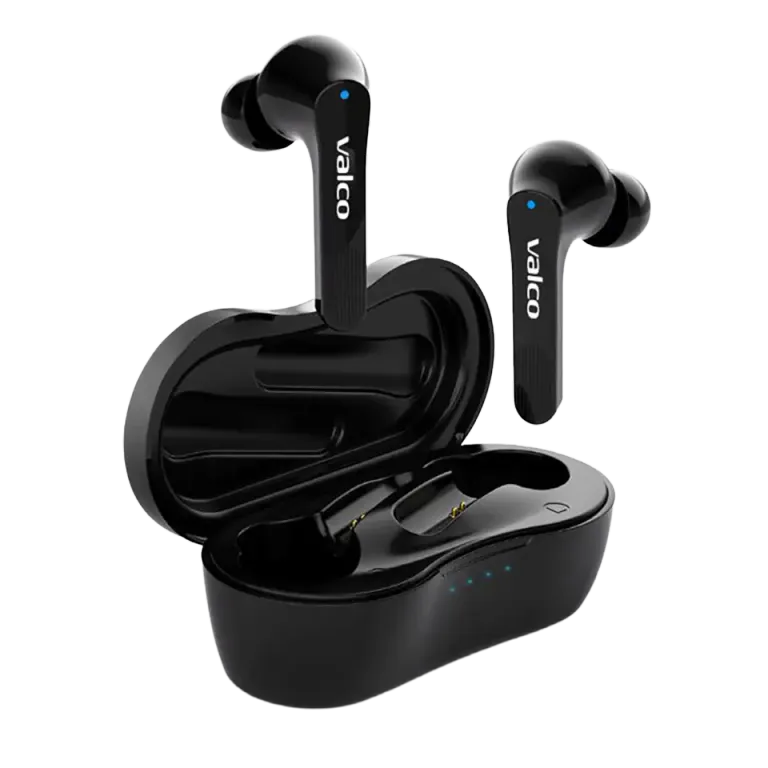
A classic. You take the buds out of the case, the blue light flashes promisingly, and then... nothing. The phone does not see the earbuds, the earbuds do not see the phone, and everyone is alone in the world. Bluetooth pairing should be easy, but sometimes technology decides to be difficult just to spite you.
Don't worry. This is usually easy to fix.
Why won't the earbuds connect?
When you take them out of the case, the NL21 buds try to automatically connect to the last device they were used with. If that device is not nearby, is switched off or has Bluetooth turned off, the buds just sit there waiting like a dog outside a door.
Another common cause: the buds have already connected to some other device. Maybe your work laptop, maybe a tablet, maybe the neighbour's phone. Bluetooth is loyal, to whichever device it connected to last.
Third option: something went wrong during pairing and the buds are confused. Electronics are like that sometimes.
How to fix it
1. Check the basics first
- Is your phone's Bluetooth on? Sounds like a stupid question, but we have all been there.
- Is the NL21 on your phone's Bluetooth list? If it is, remove the pairing completely in your phone's settings.
- Are the buds charged? If the battery is empty, the blue light flashes once and then dies. Charge them in the case for at least 30 minutes.
2. Check the protective stickers on the contacts
If the buds are new, check that you have removed the small protective stickers from the contacts inside the case. They prevent charging, and without power absolutely nothing happens. This is a surprisingly common mistake.
3. Reset the buds
This solves most problems:
- Put both buds in the case
- Plug the charging cable into the case
- Press both buds' touch panels for 5 seconds
- The blue light flashes once. Reset done
- Take the buds out of the case and try pairing again
4. Pair from a clean slate
After the reset:
- Open your phone's Bluetooth settings
- Remove the old NL21 pairing from the list if it is still hanging around
- Take the buds out of the case. They should enter pairing mode automatically
- Select "Valco NL21" when it appears on the list
- Remember: the range is about 10 metres. Keep the phone close during pairing.
5. Make sure another device is not stealing the connection
If you have previously connected the buds to a laptop, for example, it may grab the connection first. Turn off Bluetooth on your other devices while pairing.
If nothing helps
If the buds still do not show up on your phone's Bluetooth list after the reset, or one bud connects but the other does not, you may have a faulty bud. Send us a message at info@valco.fi and tell us your order number and what exactly happens (which bud, which lights flash, what the phone shows). A photo of the situation always helps.
The warranty is valid for 24 months, and a fault covered by the warranty is handled by replacing the device with a working one.
Bluetooth is named after a Viking king, and sometimes it behaves like one: does whatever it pleases. Usually a reset restores order to the kingdom, though.