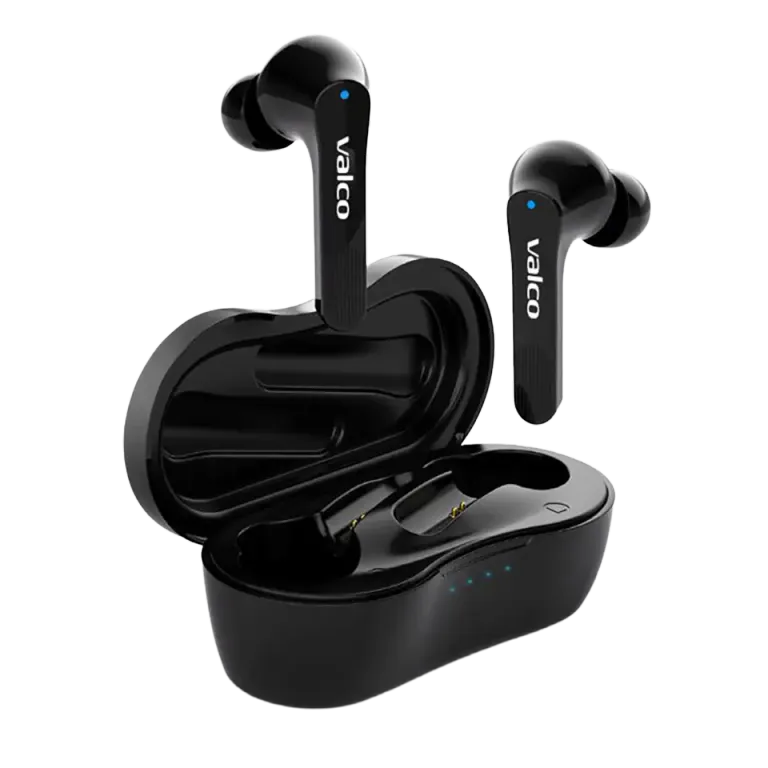
The classic "Van Gogh mode" – listening to music with only one ear like a painter after a bar fight. Your Bluetooth settings are flashing two separate NL21 devices, and each one is performing its own solo show. Don't worry. It's annoying, but fixable.
Why can't the buds find each other?
The NL21 earbuds work as a pair: normally they pair with each other first, and then the duo connects to your phone as a single device.
Sometimes this internal pairing goes haywire. There are a few reasons:
- One bud has been reset and the other hasn't: the reset bud no longer recognises its old partner
- The buds have ended up in different modes – one is looking for a phone, the other is looking for the other bud, nobody finds anyone
- Old pairings are stuck in your phone's memory – the phone remembers an old connection and messes up the new one
- The buds weren't in the case at the same time when pairing kicked off
The end result is that red-blue disco light show and the "pairing... connected... disconnected" loop. We've all been there.
How to fix it
Do these steps in order. No shortcuts.
1. Remove old pairings from your phone
- Go to your phone's Bluetooth settings
- Find all NL21 devices (there might be one or two)
- Remove or "forget" every single one of them
2. Reset both buds
- Place both buds in the charging case
- Plug the charging cable into the case (this is important – the cable must be connected)
- Hold the touch panel on both buds for 5 seconds
- A blue light flashes once on each bud – reset done
- Unplug the charging cable
3. Let the buds pair with each other
- Keep both buds in the case, lid open
- Take both buds out of the case at the same time
- Wait a moment – the buds will find each other first
- When one bud's light starts flashing blue-red at a calm pace, the buds are ready to pair with your phone
4. Pair with your phone
- Open your phone's Bluetooth settings
- Look for "NL21" – you should now see only one device
- Connect to it
- Both buds play audio
If you still see two separate NL21 devices, repeat the reset. Sometimes the first attempt doesn't stick.
A few practical tips
- Keep your phone close during pairing. Bluetooth 5.0 can reach 10 metres just fine, but a short distance helps during the pairing stage.
- Turn off other Bluetooth devices nearby for a moment. Less chatter in the airwaves, better results.
- If your connection drops during WhatsApp calls, check that your phone isn't trying to switch between two Bluetooth profiles. Remove unnecessary pairings from other devices too.
If nothing works
If the reset doesn't do the trick even on the third try and the buds keep up their disco light show, you might have a faulty bud. Drop us a message at info@valco.fi. Include your order number and which bud is acting up. A fault covered by the warranty is handled as a warranty replacement: you get a working unit in its place.
Broken buds get recycled for spare parts, we don't bin headphones here. Even if Bluetooth technology sometimes deserves to be launched out the window.