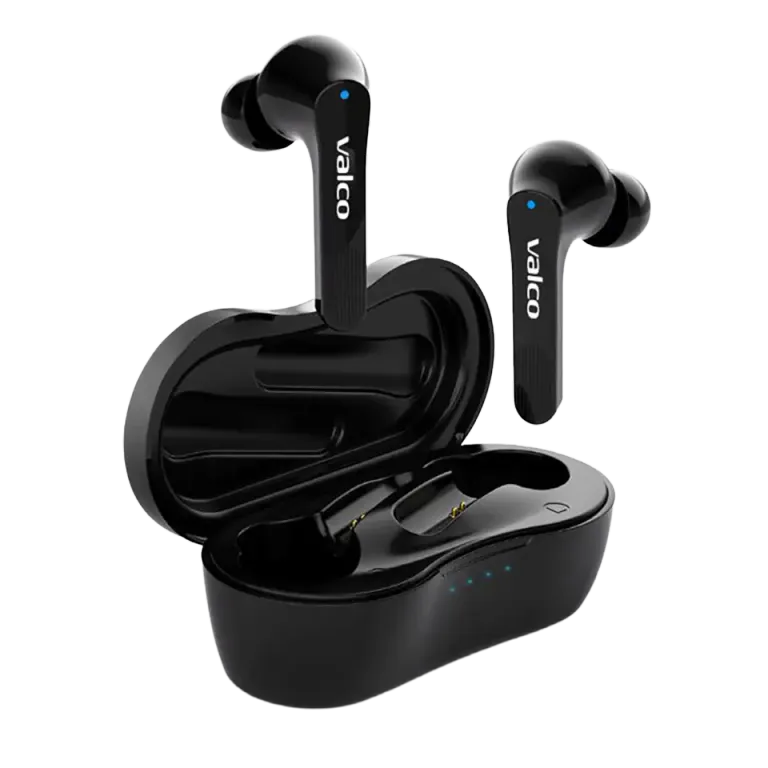
A little too familiar a situation: you put a bud in your ear, the music plays for a moment and then you hear that soulless robot lady voice – "disconnected." The phone is in your pocket, not even a meter away. You shouldn't need a degree in quantum physics for this.
The good news is that the problem is almost always on the software side. There's probably nothing wrong with the buds themselves.
Why does the connection cut out?
Bluetooth is a great invention, but sometimes it behaves like a dog that sees a squirrel. NL25 uses Bluetooth 5.4, which as a protocol is reliable – but your phone's Bluetooth stack can act up for several reasons:
- A bud is trying to connect to the wrong device. If you've ever paired the buds to a computer, tablet, or work phone, a bud may jump between devices like a confused bee.
- The phone's Bluetooth cache is messed up. Android and iOS store pairing data, and sometimes they get crossed. This causes that "connected-disconnected" back-and-forth.
- The phone's power-saving mode kills the Bluetooth connection. Especially Android phones like to cut background apps and Bluetooth connections to save battery.
- Switching apps cuts the audio stream. If you hear "disconnected" every time you open or close Spotify, the issue is in the communication between the phone's audio management and Bluetooth — not in the buds.
How to fix it
Do these in order. Don't jump straight to step four, tempting as it is.
- Remove NL25 from the phone's Bluetooth settings entirely. Go to Bluetooth settings, find NL25, choose "forget device" or similar. Do the same on all devices the buds have ever been connected to.
- Factory reset the buds. Put both buds in the case, leave the lid open and hold the case button down for 5 seconds. The buds will reset.
- Turn the phone's Bluetooth off and back on. Even better: restart the whole phone. Yes, that old IT support classic still works.
- Pair the buds again. Take the buds out of the case, let them enter pairing mode and connect from the phone.
- Check power-saving settings. On Android, go to Settings → Battery → App power usage and make sure the Bluetooth connection isn't being restricted. On Samsung phones this is a particularly common issue.
- Keep only one device connected at a time. If the buds are paired to three devices, try removing the extra pairings.
If that doesn't help
If you did all of the above and the buds still cut out, the issue may be rarer. Send us a message at info@valco.fi. In your message, include:
- Order number
- Phone make and model
- What you tried and what happened
- How often the connection drops (every minute, once an hour, randomly)
Jasse and the rest of the team in Kajaani will get it sorted. If there's a real fault in the buds, we'll fix them — we don't throw electronics in the trash.
Bluetooth issues are frustrating, but they usually resolve with that reset and re-pairing. Around 90% of cases are solved that way. For the remaining ten percent, we have service, coffee, and patience.