Yes, they work, but you need to set two things
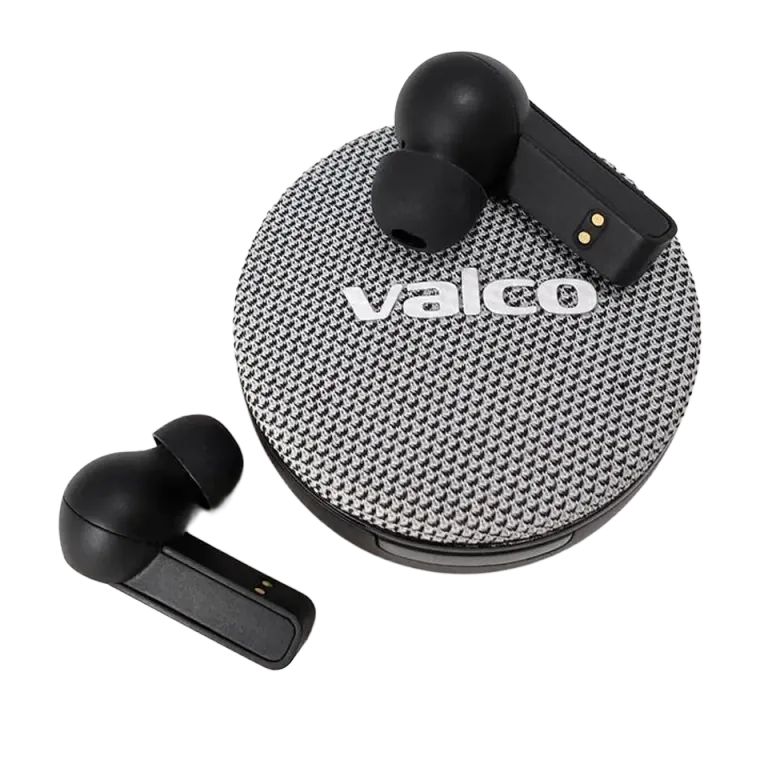
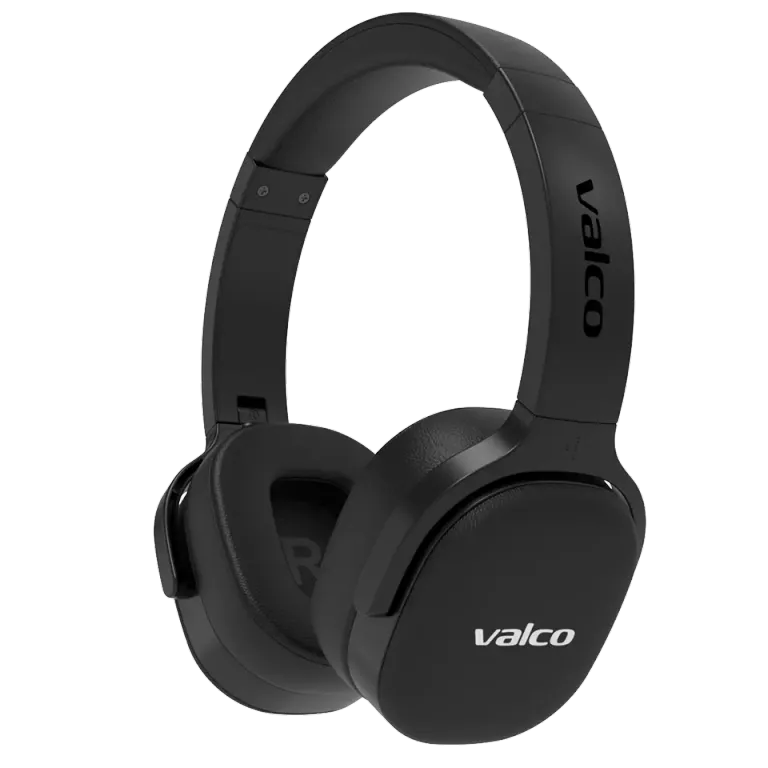
Valco headphones can be used in Teams, Zoom, and Meet meetings via Bluetooth. Meeting apps usually have separate selections for the speaker and the microphone. Select Valco for both if you want to hear and speak through the same headphones.
Before an important meeting, run the app's test recording. It's a boring minute, but less boring than ten minutes of "can you hear me now".
If playback audio quality changes during a call
When the microphone is in use, Bluetooth often switches to a hands-free profile. This can make music or other playback audio sound lower quality than usual. After the call, the higher-quality playback profile generally returns automatically.
If there is no audio or the microphone is missing:
check the speaker and microphone settings in your meeting app;
check the microphone permission in your operating system;
close other apps that may be holding the microphone in use;
remove the Bluetooth pairing and reconnect;
restart the app and, if needed, your computer.
Noisy work environment
The built-in noise processing can reduce steady background hum. Variable speech, cafe clatter, and traffic are harder to handle, so clear results cannot be guaranteed in all environments.
A boom microphone moves the microphone closer to your mouth and is more reliable in noise:
wired 3.5 mm version: VMK15, VMK19, VMK20, VMK25, and VMK25.2;
wireless USB-C version: VMK15 and VMK25.2.
The wired version also works well in situations where Bluetooth latency or the audio quality of the hands-free profile is a problem. Check the connector and compatibility on the product's current page.
If the problem continues, send an email to info@valco.fi with your headphone model, computer or phone, operating system, meeting app, and a brief description of the issue.