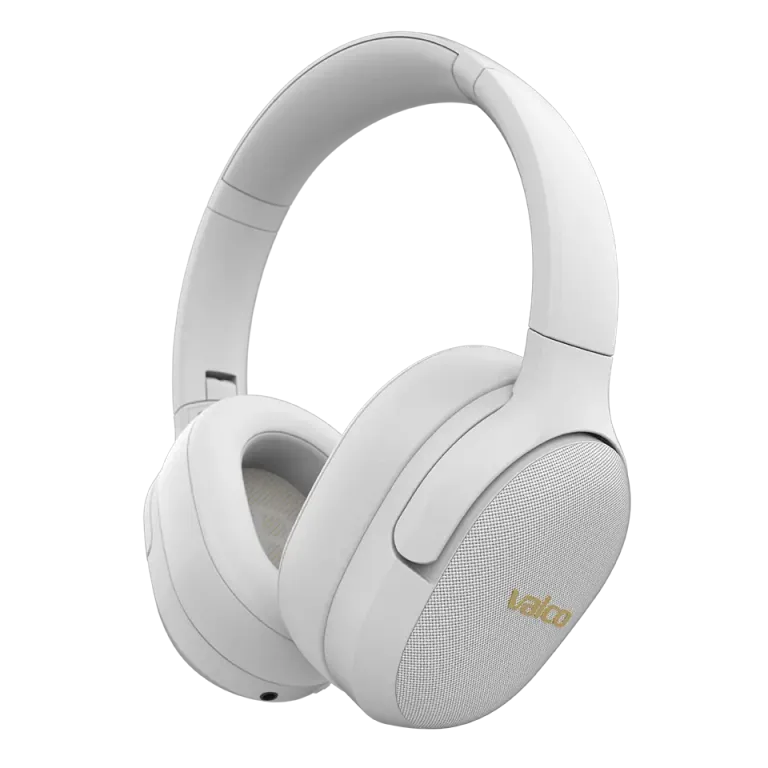
Start with the easy causes
If the band suddenly sounds like it is playing from behind a wet mattress, the cause is usually the listening mode, the seal of the ear cushions, or the Bluetooth connection.
Cycle through ANC, transparency, and off modes. Compare the same track in each mode.
Press the cups gently against your ears. If the bass returns, hair, glasses arms, or worn ear cushions may be breaking the seal.
Try a different track, app, and audio device.
Remove the VMK25 from the device's Bluetooth list and re-pair.
Compare the audio using a 3.5 mm AUX cable, if the source device has a suitable jack.
Resetting the VMK25
Plug a 3.5 mm AUX cable into the VMK25 and then unplug it. This resets the VMK25 Bluetooth circuit. After that, re-pair the headphones.
This guide applies to the VMK25 model. The VMK25.2 is reset differently, even though the outer shell looks familiar.
What does the wired comparison tell you?
If the audio sounds normal over the AUX cable but poor over Bluetooth, the problem is more likely related to the connection, the source device, or its audio settings. If the audio is wrong over the cable too and with multiple source devices, check the ear cushions and listening mode once more before getting in touch.
Do not change random codec or firmware settings based on general guides. Their availability depends on the source device and software.
If the audio does not come back, send a message to info@valco.fi. State the model as VMK25, describe what you have tried, and mention whether the problem occurs on both Bluetooth and the AUX cable.