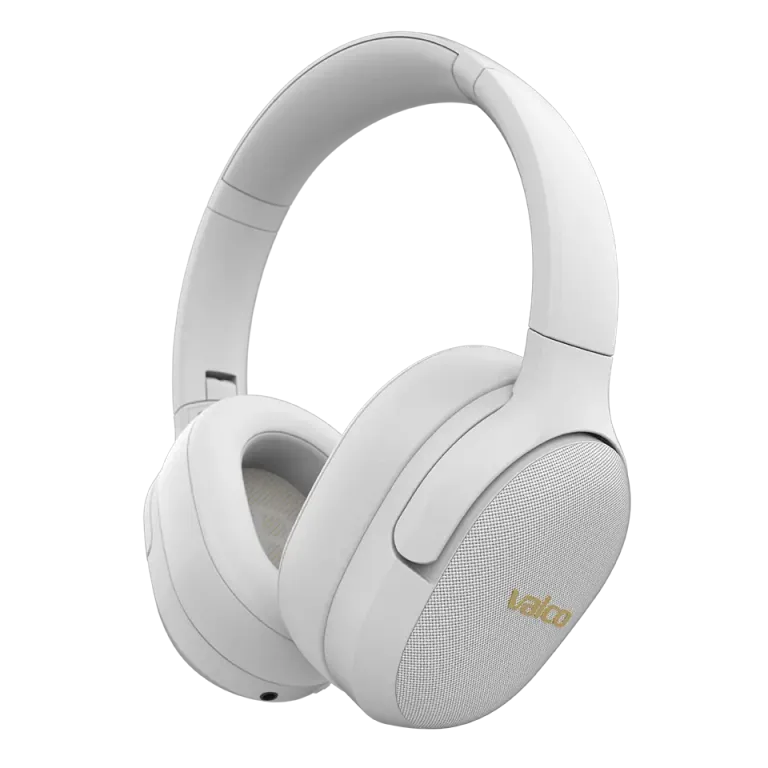
EQ stands for equalizer
EQ is short for equalizer. It is a tool that boosts or cuts specific frequency ranges in the audio signal.
Low frequencies are bass: bass guitar, kick drum, and that neighbor's subwoofer whose owner clearly does not work mornings.
Midrange frequencies cover things like speech, vocals, and the majority of instruments.
High frequencies bring out things like cymbals, brightness, and sibilant sounds.
EQ does not fix a broken headphone and it does not turn a bad recording into a masterpiece. It shifts the balance to suit your hearing, your music, and your situation. Think of it like seasoning: a small amount helps, but pouring in the whole jar at once mainly leads to regret.
Where do you find EQ right now?
The Valco app currently available to customers does not offer the EQ controls described here. Use the EQ built into your phone, computer, or playback app instead, if one is available.
Menus vary depending on your device, operating system version, and app. Search the settings for the words EQ, equalizer, sound, or playback. Not all devices have a system-wide EQ, but many music and video apps include their own control.
How to get started without a sound engineering degree
Pick a familiar track or voice recording that you know how it should sound.
Reset the EQ to neutral or flat first.
Adjust one frequency range at a time by a small amount, for example 1 or 2 dB.
Compare the adjusted setting and the neutral setting at the same volume level.
If everything starts to sound muddy, harsh, or distorted, undo your last change.
If you want more bass, try a small boost in the low frequencies. For speech, a moderate midrange boost can help. If sibilant sounds are cutting into your ears, try lowering the high frequencies slightly. There are no exact universal settings, because ears, recordings, and preferences are not standardized. Fortunately.
What about the upcoming Valco app?
We have a Valco app with EQ features in development and available for internal testing. It is not ready for customers yet. We are not making any promises at this stage about a name, release date, platforms, or final feature list, because the most important feature of an unfinished app is usually that it is unfinished.
When there is something real to announce, we will let you know separately. Until then, the EQ on your device or playback app is a working and honest solution.
If the audio is genuinely faulty
If the audio distorts, disappears from one side, or consistently sounds wrong on all devices and with a neutral EQ, the problem is most likely not the equalizer. Check the sound quality and reset guide for your specific model, or send us a message at info@valco.fi.