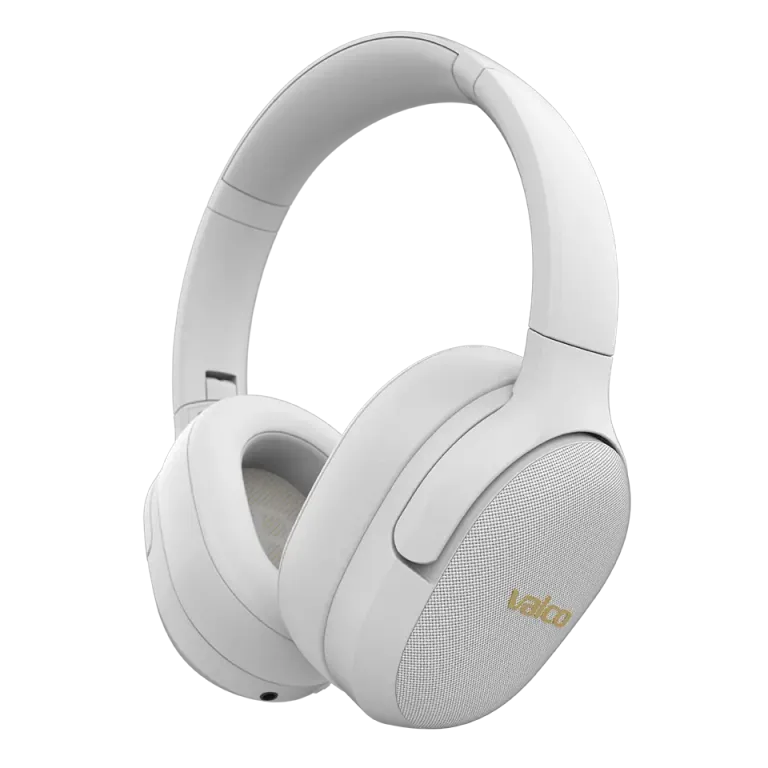
The sound feels lopsided, one side pulls more than the other. We know the feeling – it's like listening to music in a sauna where one speaker is buried under a towel. No worries. Most of the time it's something simple, and you can sort it out yourself.
Check the basics first
Before you start suspecting your headphones are broken, let's go through a few things that cause this surprisingly often.
- Are the cups on the correct sides? Sounds daft, but this is the most common reason. On the VMK15, you can identify the right cup by the Braille dots – those small bumps on the surface of the cup. If the cups are swapped, the drivers are playing into the wrong ears and the whole soundstage goes haywire. Jasse's tuning is done in a specific orientation, and it doesn't work backwards.
- Is the mesh on one cup blocked? Have a look at the mesh in front of the drivers. If one side has collected earwax, dust, or other mysterious substances, it'll physically muffle the sound. Clean it gently with a dry, soft brush.
- Are the pads seated properly? If one side's pad has twisted or come loose, it'll leak sound out and let noise in. Make sure both pads snap evenly into place.
Reset the headphones
If the basics check out, let's do a reset:
- Turn off the headphones
- Press and hold the MFB button for 3 seconds – power turns on
- Keep holding for another 3 seconds – the headphones enter pairing mode
- Reconnect to your phone or computer
A reset clears the Bluetooth connection and any software glitches. Surprisingly often, this is all it takes.
Test the effect of ANC
The VMK15 has active noise cancellation, and that can also cause a sense of unevenness. Give this a go:
- Turn ANC off using the ANC button and listen to just the music. If the sound is now balanced, the issue is with the noise cancellation microphones – the mic on one side might be blocked or faulty.
- If the unevenness is still there with ANC off, it's something else.
Try an AUX cable
Plug in a 3.5 mm AUX cable and listen wired. This bypasses Bluetooth entirely. If the sound is balanced over the wire but not wirelessly, the problem lies in the Bluetooth connection or its settings. Check your phone's audio settings to make sure the left/right channel balance hasn't accidentally shifted.
If nothing helps
You went through everything above and nothing saved the day? Then it might be an actual fault. Drop us a message at info@valco.fi – include your order number, describe the issue, and attach a photo of the headphones. Our service team in Kajaani will sort it out. We fix devices, we don't chuck them in the bin.
And remember – every pair of headphones sent in for service is one step closer to the day our service team achieves zen-master-level electronics surgery. That too serves the Death Star project in its own way.