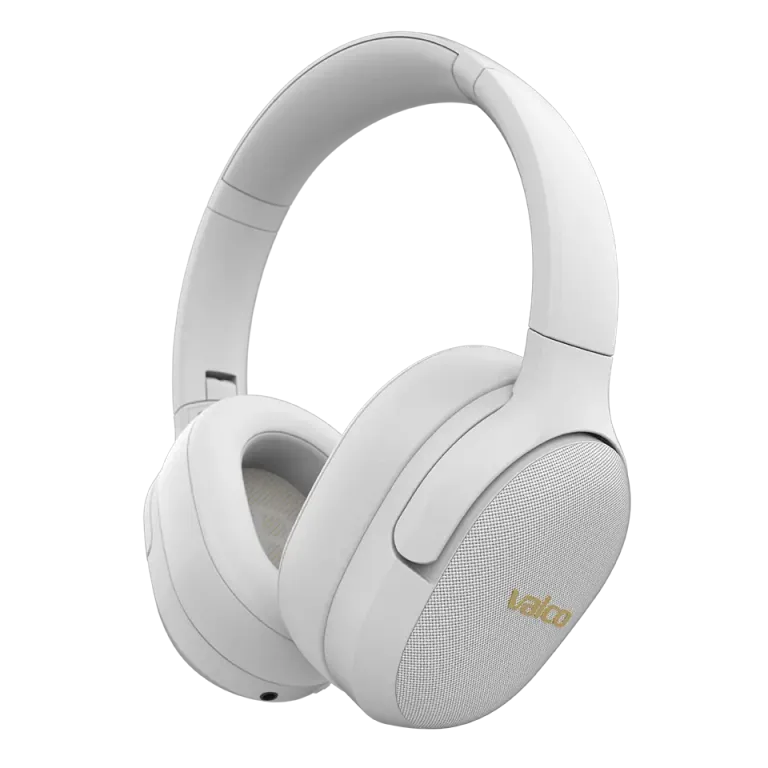
So your headphones have decided to start living a life of their own. "Silence... transparency mode... silence... transparency mode..." Like someone stuck on a carousel. Don't worry, this does not mean a poltergeist has moved into your earbuds. The problem is almost always either a stuck button or a small software hiccup, and it usually sorts itself out in a couple of minutes.
Why are the earbuds acting up?
On the NL25, you change the ANC mode with the button on the left earbud: one press cycles through ANC on, transparency mode and ANC off. When the modes start cycling on their own, the cause is practically always one of these:
- The button is stuck or gets pressed by accident. Dirt, sweat or a mechanical fault keeps the button pressed down, and the earbuds interpret it as repeated presses.
- The software got itself in a knot. Electronics do this sometimes. Just like a computer that suddenly decides to open a hundred windows for no reason.
- Something is pressing the button for you. The buttons sit on the outer surface of the buds. If you constantly adjust the earbud in your ear or a beanie presses on the button, the earbud obeys.
How to fix it
1. Reset the earbuds
This is the first and most important step. A reset clears the software state and stops the mode carousel.
- NL25: put both buds in the charging case, leave the lid open and hold the case button down for five seconds. This restores factory settings. Then remove the NL25 from your phone's Bluetooth list and pair it again.
- VMK20 and VMK25 (v1): plug the AUX cable into the headphones and unplug it. That works as a reset.
- VMK25.2: hold both Vol+ and Vol− down for about three seconds.
- VMK15: hold both Vol+ and Vol− down for about five seconds.
If you are not sure how your particular model is reset, check the user manual. You can also find them at valco.support.
2. Check the buttons
- Make sure no dirt or debris has built up around the button.
- Press the button a few times and feel whether it comes back up normally. If the button feels sticky or stays down, there is your culprit.
- Clean around the button carefully with a dry cloth or a soft brush.
- If the earbuds are new, also check that all protective films have been removed.
3. Check the fit
- Try a different size ear tip. When the bud sits firmly in your ear, you do not need to adjust it all the time, and the button does not get accidental presses.
- If you wear a beanie or ear defenders over the buds, try going without for a while and see if the problem comes back.
If nothing helps
If the earbuds keep running their own ANC disco even after a reset, it is most likely a mechanical fault in the button. That is something we need to sort out for you.
Send us:
- A photo of the earbuds
- Your order number
- A short description of the problem
By email to info@valco.fi and we will get it sorted. The warranty is valid for 24 months, and a fault covered by the warranty is handled by replacing the device with a working one.
And hey, if your earbuds ever say anything other than "silence" and "transparency mode", contact us immediately. In that case we are looking at either a breakthrough in artificial intelligence or a serious problem.