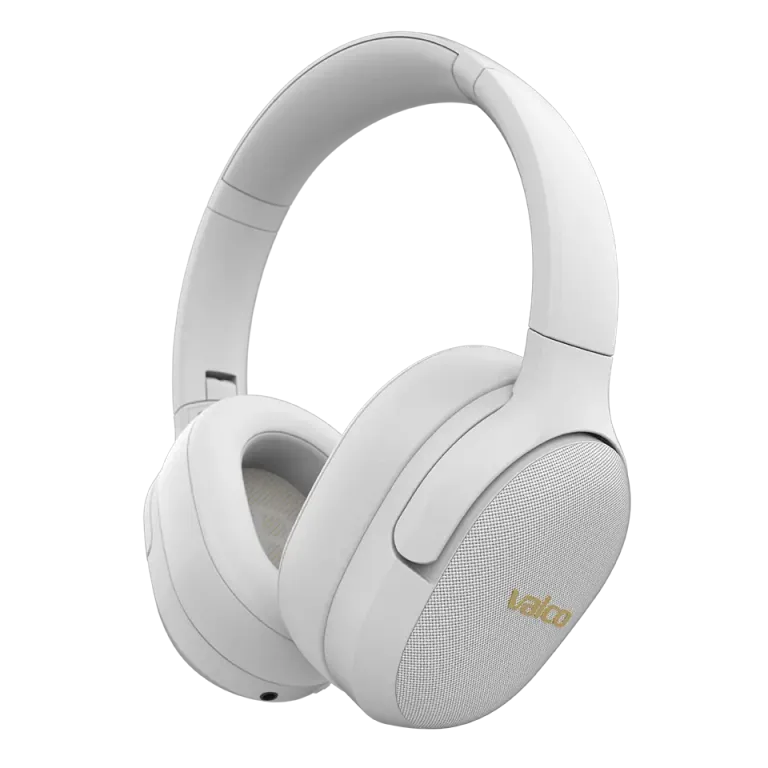
Let's start where other guides don't: the VMK15 has no factory reset. No button combo, no secret five-second press, no AUX cable trick. If a guide claims otherwise, it's made up. We know, because we made these headphones.
Good news: you usually don't need one. On the VMK15, almost every problem that a reset "would fix" is solved by clearing the Bluetooth connections. Here's how.
When is this worth doing?
- The Bluetooth connection isn't working properly
- The headphones won't connect to any device
- The buttons don't seem to obey
- Multipoint is causing problems
Clearing the connections
- Turn the headphones off by holding the MFB button (the middle one on the right ear cup) for about three seconds.
- Remove "Valco VMK15" from the Bluetooth settings of all your devices. All of them, including that work laptop you forgot about.
- Turn the headphones on by holding the MFB button for about three seconds, then keep holding for another three seconds. The headphones enter pairing mode.
- Select "Valco VMK15" from your phone's Bluetooth list. If it asks for a PIN, it's 0000.
- Test everything: sound, the ANC button (a green light inside the ear cup turns on), the buttons.
This does the same job as a factory reset on other models: old, possibly corrupted pairings disappear and the connection is rebuilt from a clean slate.
If ANC is acting weird
On the VMK15, ANC is a simple on/off switch, not a software mode. Press the ANC button: green light on = ANC on, light off = ANC off. If you can't hear any noise reduction even though the light is on, it's usually about fit. On-ear headphones need the pads to sit snugly against your ears.
If nothing helps
First charge the headphones for at least half an hour (with a 5 V / 2 A charger, not a fast charger) and try again. If they still refuse to cooperate, it may be a hardware fault.
Send a message to info@valco.fi and tell us your order number, what's happening and what you've already tried. The warranty is 24 months. Even after that, headphone repair costs a fixed 69 euros, including spare parts and shipping both ways.