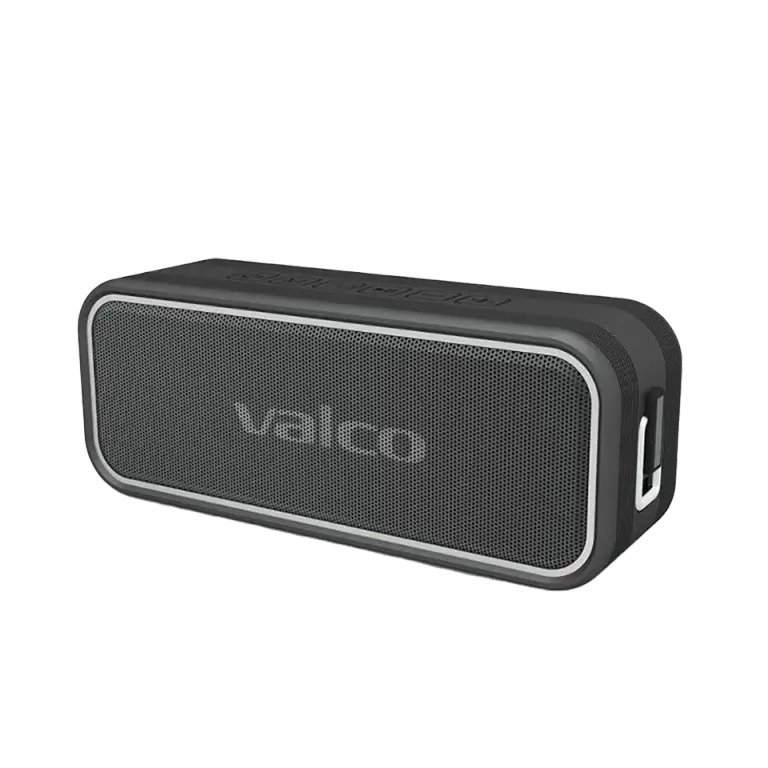
Getting two Nordells into stereo mode isn't rocket science, but there are a couple of places where things easily go off the rails. Usually the reason is simple: the speakers try to connect to the phone instead of each other, or the pairing order went wrong. Let's go through how this actually works.
Why won't the speakers find each other?
The most common reason is that both speakers are in standalone Bluetooth mode and are competing for your phone's attention like two golden retrievers at dinnertime. They don't know they're supposed to pair with each other.
Another common mistake: the phone managed to connect to one speaker before the speakers found each other. Then TWS pairing won't start at all.
A third classic is that the speakers still have old pairing memory stored. If you've used them separately before, they remember the old connections and try to return to them.
How to get stereo pairing working
Start with a clean slate. Here's the recipe that works:
- Remove both Nordells from your phone's Bluetooth list. Go to the phone's Bluetooth settings, find the Nordell devices, and choose "Forget device" for both.
- Turn both speakers off.
- Power on both speakers. They will automatically enter Bluetooth pairing mode when they don't find a known device.
- Place the speakers side by side. Let them find each other. Neither should be connected to the phone yet. If the speakers can't find each other, check the TWS pairing button instructions in the manual that came with the speaker.
- Wait. The speakers will find each other and form a stereo pair. This takes a few seconds. You'll hear a tone when the connection has been established.
- Only now connect the phone. Open the phone's Bluetooth settings and connect to the Nordell that appears in the list. The phone connects to the main speaker, and the main speaker handles the link to the other one.
So the most important thing is the order: first the speakers to each other, only then bring the phone in. If you connect the phone too early, the speakers won't bother looking for each other.
If it still doesn't work
Try this as well:
- Reset both speakers: A long press on the Play button resets the speaker. Then start pairing from scratch.
- Check that both are in Bluetooth mode. The M button switches the source (BT, TF card, AUX). If a speaker is in TF or AUX mode, it won't pair.
- Keep the speakers close to each other during pairing. A meter of distance is plenty.
- Make sure the batteries are charged. With an empty battery, a speaker may behave unpredictably.
If you've tried everything above and pairing still doesn't work, send us a message at info@valco.fi. Include your order number and describe what happens (or doesn't) when you try to pair. We'll then see whether it's a software thing or some other shenanigan.
Good to know about the stereo pair
- 3D sound mode doesn't work in stereo mode. This is normal, not a fault. In stereo mode, the speakers handle the soundstage themselves.
- The stereo pair remembers the connection. Next time you power up both, they'll find each other automatically.
- A TWS pair only forms between identical speakers. The MK3 only pairs with another MK3. It won't form a stereo pair with a Micro or a Max.
You can get surprisingly good sound out of two Nordells. Once you first get them talking to each other – a bit like Finns in a sauna after the third beer.