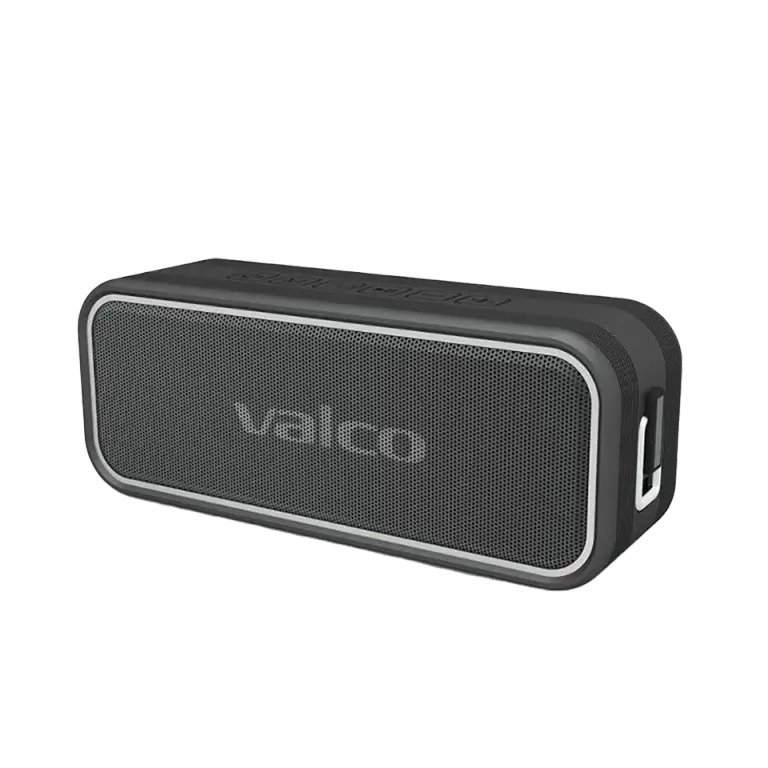
If your Nordell starts acting up (won’t connect, sound disappears, or it just sulks), a reset can save the day. A reset clears the device’s memory and gets it back to behaving itself.
There are three options:
• Clear pairing memory – a light reset, try this first.
• Reset – a full reset, if problems persist.
• Silent case – when the speaker doesn’t respond to anything.
Clear pairing memory (light reset)
• Turn on the Nordell and wait for it to connect to the device.
• Hold down the M button for a couple of seconds until you hear a beep and the blue light starts flashing.
• Turn the speaker off and back on again.
• The device should ask to reconnect – accept it, and off you go.
Reset (full reset)
⚠️ This removes all pairings.
• Remove the Nordell pairing from your device’s Bluetooth settings (forget/remove/unpair etc.).
• Turn on the Nordell – blue light flashes.
• Press and hold the >|| button for a long time, until the speaker resets.
• Turn the speaker back on and establish a new Bluetooth pair.
If the Nordell is silent
If nothing happens, try this emergency method:
• Connect the speaker to a charger and the wall, so that it should theoretically be charging.
• Let the speaker charge for a moment, then press and hold the >|| button for a long time.
• Try turning the speaker on normally.