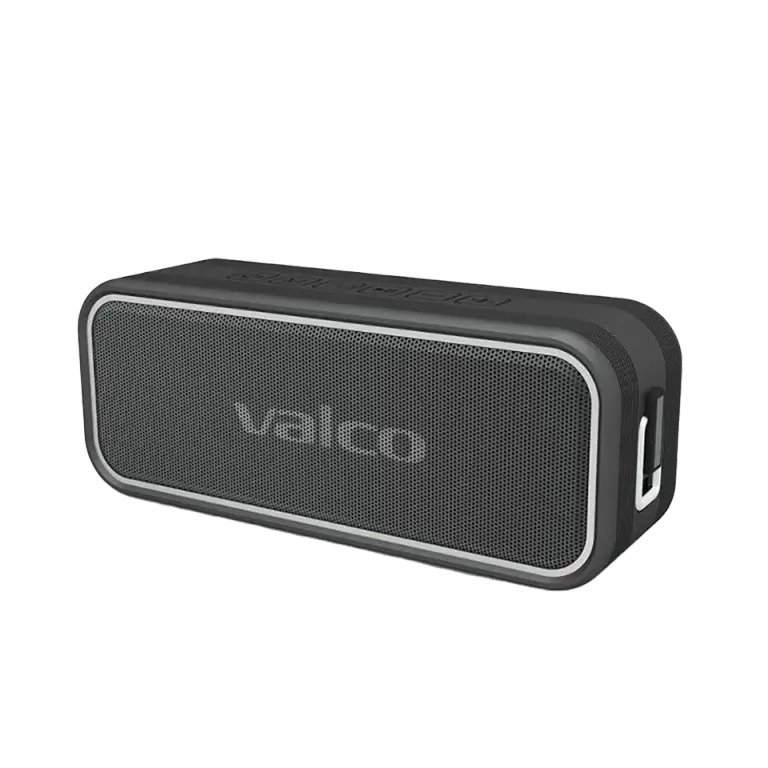
Handsfree – a.k.a. phone call audio through the speaker – is one of those features you don't think about until you need it. Then mum calls in the middle of a barbecue and you need to answer without cutting off Levan Polkka blasting from the speaker, and… it doesn't work. No worries, this is usually an easy fix.
Why isn't handsfree working?
The Nordell Mk3's handsfree works over Bluetooth. The speaker essentially acts as an external speaker and microphone for your phone during calls. The most common reasons it doesn't play ball:
- Bluetooth connection has dropped or connected to the wrong device. The Mk3 remembers previously paired devices and might connect to your neighbour's tablet before your phone.
- The speaker is in TF card or AUX mode. Handsfree requires a Bluetooth connection. If you've switched the source with the M button, calls won't route through the speaker.
- The charging cable is causing grief. Some users have reported that the Mk3 gets a bit moody while charging – Bluetooth may drop out or the speaker might beep. This is a known quirk.
- Your phone's settings are routing call audio elsewhere. Your phone might send call audio to its own speaker, even though music is playing through the Mk3.
How to fix it
- Check the mode. Press the M button and make sure the speaker is in Bluetooth mode. Handsfree won't work in any other mode.
- Restart the speaker. Turn it off with the power button, wait a couple of seconds, turn it back on. Basic move, but it works surprisingly often.
- Unplug the charging cable. If the speaker is charging, try the handsfree function without the cable. Charging and Bluetooth aren't always the best of mates on this device.
- Check your phone's Bluetooth settings. Open the Bluetooth menu on your phone and make sure Nordell Mk3 shows as connected. If it doesn't, re-pair: hold the M button down for 5 seconds and the speaker will enter pairing mode.
- Test during a call. Call someone (or yourself from another number) and check the audio output settings during the call. Most phones let you choose during a call whether audio goes to the phone speaker, headphones, or a Bluetooth device.
- Remove the pairing and do it again. Go to your phone's Bluetooth settings, forget Nordell Mk3, and pair from scratch. Sometimes old pairings get tangled up like Christmas tree lights.
If nothing helps
If you've tried everything above and handsfree still won't work, the issue might be with the speaker's microphone or Bluetooth module. Drop us a message at info@valco.fi – include your order number and describe what you've already tried. Jasse's repair shop in Kajaani will take it from there if needed.
Worth keeping in mind that the Mk3 wasn't exactly designed to replace your phone in conference calls. Handsfree is a handy bonus feature for quick calls, but if you want to hold an hour-long meeting through the speaker, you might want to consider a proper conference microphone. We do sell headphones with great mics, though – those child support payments aren't going to pay themselves.