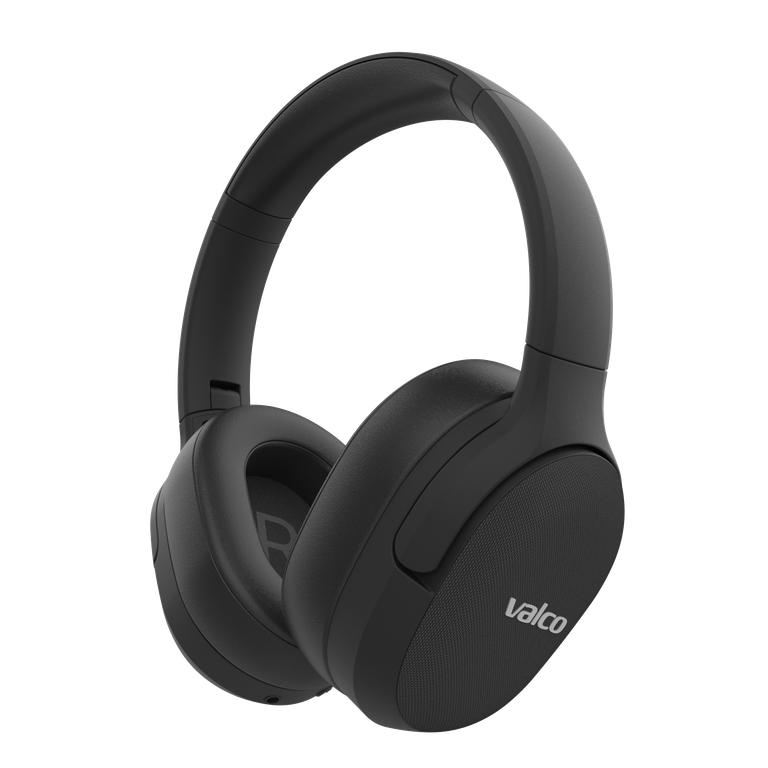
Check the listening mode and fit first
VMK25.2's ANC, transparency, and off modes are intentionally designed to sound different. Cycle through the modes and compare the same track in each one.
Also check the cushion seal. Move your hair away from behind your ears and see whether your glasses arms pass under the cushion. Press the cups gently against your ears. If the bass or balance returns, the seal is part of the problem.
Resetting the VMK25.2
Charge the headphones fully.
Turn the headphones on.
Hold the
+and−buttons simultaneously for about three seconds.Release the buttons when you hear a confirmation tone.
Remove VMK25.2 from your source device's Bluetooth list and pair again.
Do not use the VMK25 AUX reset on this model. The correct reset for VMK25.2 is done with the buttons.
Compare connections and devices
Try a different track, a different playback app, and a different source device. If possible, compare Bluetooth audio with the included 3.5 mm AUX cable. If the cable sounds normal but Bluetooth does not, check the audio and Bluetooth settings on your source device and pair again.
Don't change codecs at random. A firmware update is worth checking, though: there is an official update for the VMK25.2, installed with the Valco Updater app (Android, Windows or macOS). Different phones and computers offer different codec options.
If the audio is still wrong across multiple source devices on both Bluetooth and cable, send a message to info@valco.fi. State the model as VMK25.2 and list the steps you have already tried.