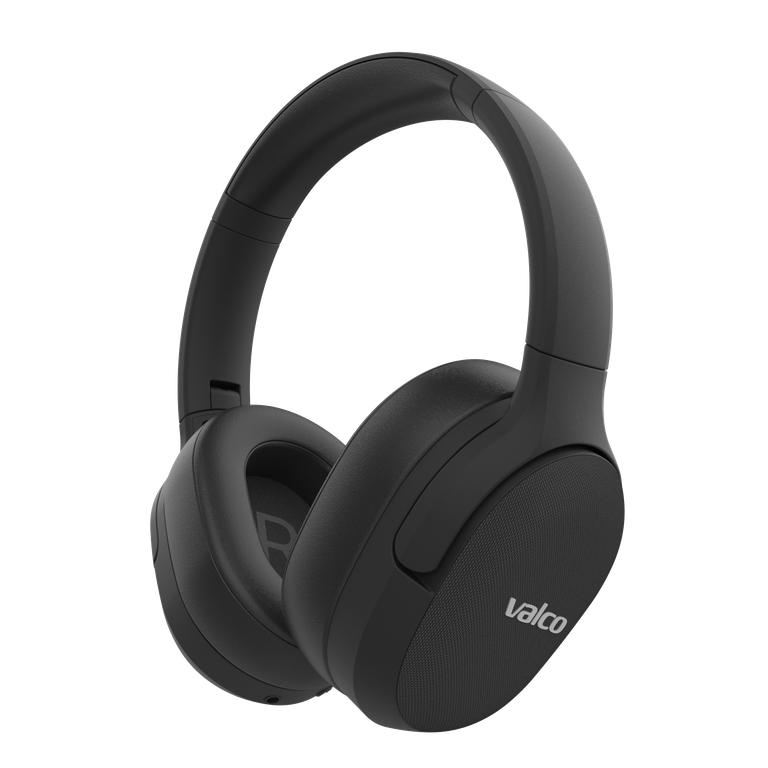
A reset is the headphone world's "turn it off and on again". And just like in IT support, it genuinely fixes most problems. But every Valco model resets differently, and following the instructions for the wrong model just means mashing buttons like a pinball machine while nothing happens.
Here are all the models in one place. Find yours.
VMK25
Plug the included 3.5 mm AUX cable into the headphone jack and pull it out again. Plugging in the cable cuts power to the Bluetooth circuit, which resets it. No button combos. The cable is the whole trick.
VMK25.2
- Charge the headphones fully.
- Hold the + and − buttons down for about three seconds.
- You'll hear a "du du" sound. The headphones are now at factory settings.
- Pair your devices again.
Not sure whether you have a VMK25 or a VMK25.2? The batch code is inside the ear cup under the padding, and the model is printed on the box. If identifying it stumps you, ask us: info@valco.fi.
VMK20
The VMK20 has no formal factory reset, but the same AUX trick works: plug in the 3.5 mm cable and pull it out. This shuts down and resets the Bluetooth circuit. Then remove the old pairing from your phone and connect again.
VMK15
The VMK15 resets with a button combo: hold both Vol+ and Vol− down for about five seconds. No AUX trick needed. After that, remove the old pairing from your devices and pair again (PIN 0000). Detailed instructions here.
NL21 (earbuds)
- Put both buds in the case.
- Plug the charging cable into the case.
- Press the touch panels of both buds for 5 seconds.
- The blue light flashes once. The pairing memory is now cleared.
The case button doesn't reset anything. It only shows the case battery level.
NL25 (earbuds)
- Put both buds in the case and leave the lid open.
- Hold the case button down for five seconds.
- Factory settings are restored. Remove the old pairing from your phone and connect again.
After the reset (all models)
- Remove the old Valco pairing from the Bluetooth settings of all your devices.
- Turn the headphones on and wait for pairing mode.
- Select the headphones from your phone's list and test everything.
If the reset didn't help
Then the problem probably isn't in the software. Send a message to info@valco.fi and tell us your model, order number and what you've tried. The warranty is 24 months, and even after that, VMK repairs cost a fixed 69 euros regardless of the fault.