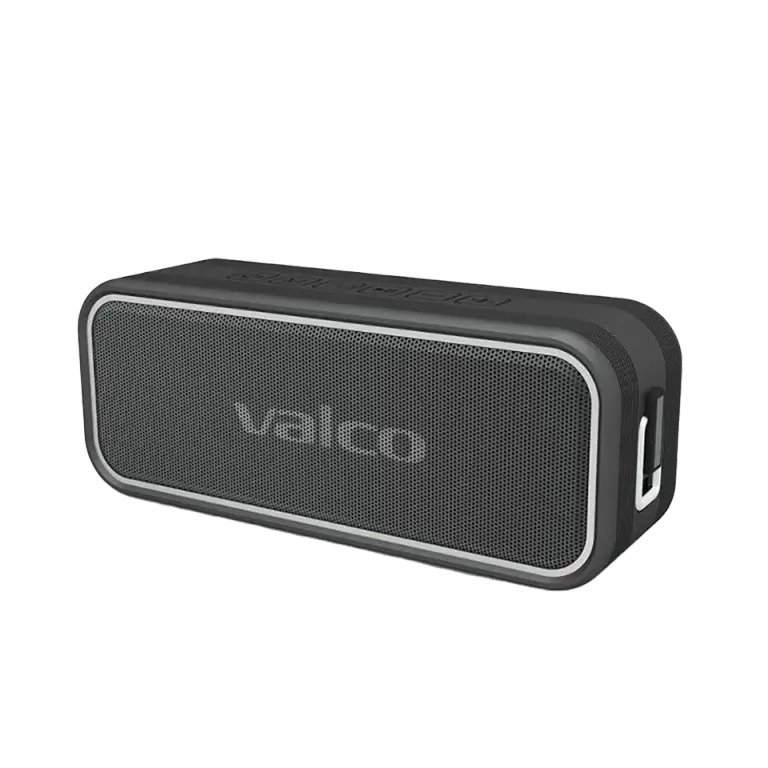
Preparation
First you need to clear old connections. Remove "Nordell MK3" from your phone’s Bluetooth menu. Press the M button on both speakers for 2 seconds, then turn them off.
Stereo pairing
1. Turn on both speakers – both should have a flashing blue light.
2. Press the M button on the left speaker for a few seconds until you hear "Beep beep beep".
3. Press the M button on the right speaker for a few seconds until it also beeps.
4. Wait a moment – one of the speakers should emit a clear "PING!" to signal successful pairing.
5. One speaker flashes the blue light, the other glows steady – this is normal.
6. Open your phone’s Bluetooth settings and connect to "Nordell MK3".
7. Music now plays in stereo from two speakers!
If it doesn’t work
Stereo pairing can sometimes be finicky. Try these:
• Make sure both speakers are charged.
• Reset both speakers (long press the play button) and start over.
• Keep the speakers close together during pairing.
• If nothing helps, contact info@valco.fi – our team will help with varying success.