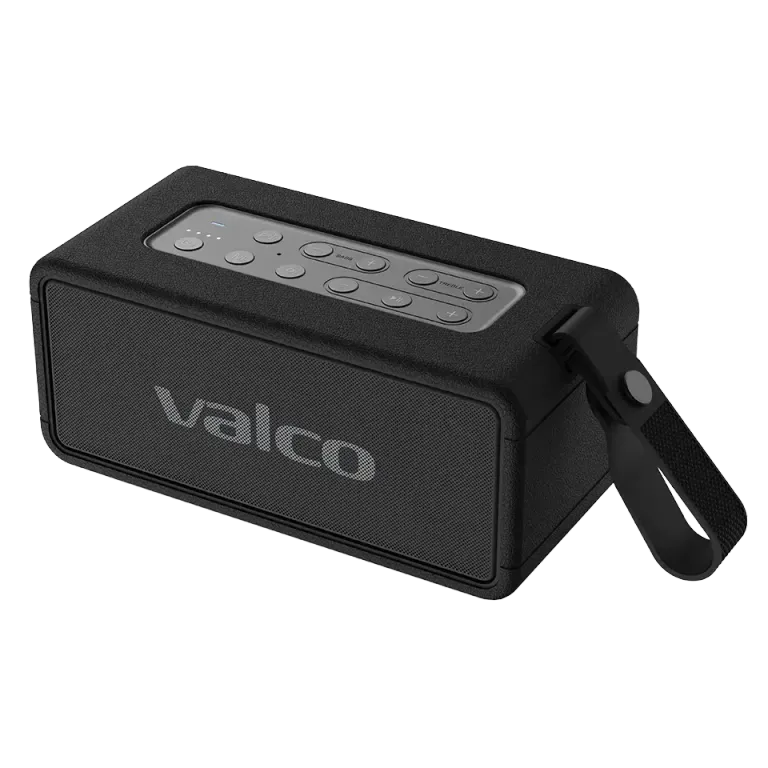
When should you reset?
A reset is the emergency brake you pull when everything else has been tried. Typical situations include:
- The speaker won't connect to any device
- The sound is strange or distorted and adjusting the volume doesn't help
- The buttons are not responding normally
- The speaker is otherwise behaving unpredictably
Reset steps
1. Make sure the speaker is on.
2. Press and hold the Play button, and don't let go. The Nordell Max manual describes this as "press for an eternity", which in practice means about 8 seconds.
3. The speaker turns off and restarts. This is a sign that the reset was successful.
4. All previous Bluetooth pairings have now been cleared. You will need to pair your devices again.
After the reset
Also remove "Nordell Max" from your phone's Bluetooth settings (forget device) and pair the speaker again as if it were new.
If the problem continues after the reset, contact Valco support at info@valco.fi. Tell us what you tried and what isn't working — we'll get it sorted.