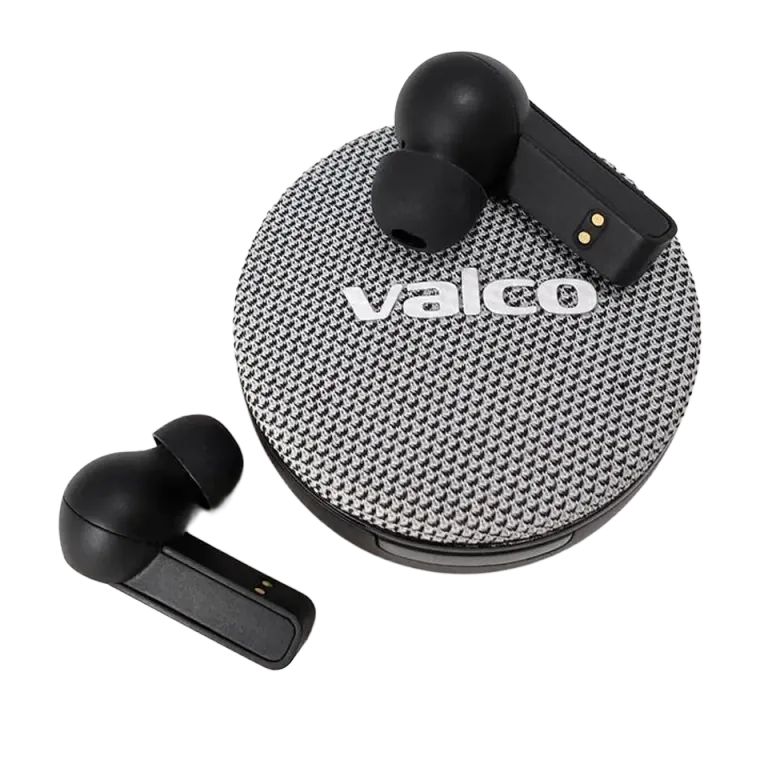
Two devices, one pair of headphones
Multipoint means the headphones can maintain a Bluetooth connection to two devices at the same time. You can keep them connected to your work computer and your phone without constantly unpairing and repairing.
Audio plays from one device at a time. If one device is holding the audio channel active, stop its playback or call before switching to the other. The headphones do not mix two meetings on top of each other, which is probably a service to humanity.
Which Valco models support multipoint?
Multipoint has been confirmed for these models:
The NL21 is an older curiosity whose multipoint support we no longer remember with sufficient certainty. So we will not guess. If you are using an NL21, check the NL21 user manual or ask us about your specific model.
General pairing method
Put the headphones into pairing mode and connect the first phone, computer, or other device.
Turn off Bluetooth on the first device. The headphones will return to pairing mode.
Connect the second device to the headphones.
Turn Bluetooth back on for the first device.
Confirm in the Bluetooth menu of both devices that the headphones are connected.
Buttons, lights, and audio cues vary by model. Open the user manual for your model from the list above if you need the exact steps.
What does multipoint not require?
Multipoint is not switched on via a separate app setting. It also does not depend on a production batch or a specific firmware version. You only need a supported model and two Bluetooth devices.
If the connection gets stuck, remove the headphones from the Bluetooth list on both devices and start pairing again from the first device. If that does not help either, check the reset instructions for your model or send a message to info@valco.fi.