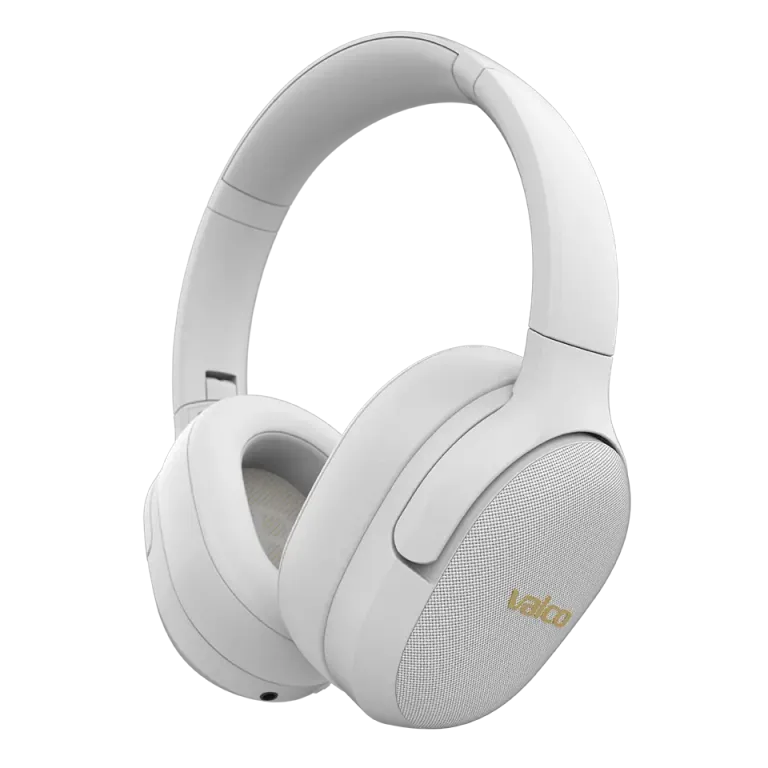
Technical specs
The VMK15 is Valco's more affordable wireless headphone model, but don't let the price fool you — the sound quality and features will pleasantly surprise you.
Bluetooth 5.1, SBC+AAC codecs, Qualcomm QCC3024 chip, 40mm drivers, 32 ohm, approximately 200g.
In the box: headphones, USB-C charging cable, 3.5mm audio cable, and documentation.
First charge
Charge the headphones fully before first use. Battery capacity is 1050 mAh and charging time is 2-3 hours.
Use the USB-C cable and a 5V/2A charger. The VMK15 supports up to 10W charging. Do not use fast chargers (Quick Charge, USB-PD) — they won't speed up charging and could theoretically cause issues.
Power on and pairing
1. Slide the power switch to the ON position on the right ear cup.
2. The LED light flashes and you'll hear a startup sound.
3. The first time, the headphones automatically enter pairing mode — the LED alternates between blue and red.
4. Open your phone's Bluetooth settings and search for "Valco VMK15".
5. Tap connect. You'll hear "Connected" or a similar audio cue.
6. Done! The headphones will remember this device from now on.
Buttons on the right ear cup
All VMK15 controls are on the right ear cup:
- Power switch (slide)
- MFB (multifunction button): Play/pause, answering calls
- Vol+/Next: Short press = volume up, long press = next track
- Vol-/Previous: Short press = volume down, long press = previous track
- ANC button: Noise cancellation on/off