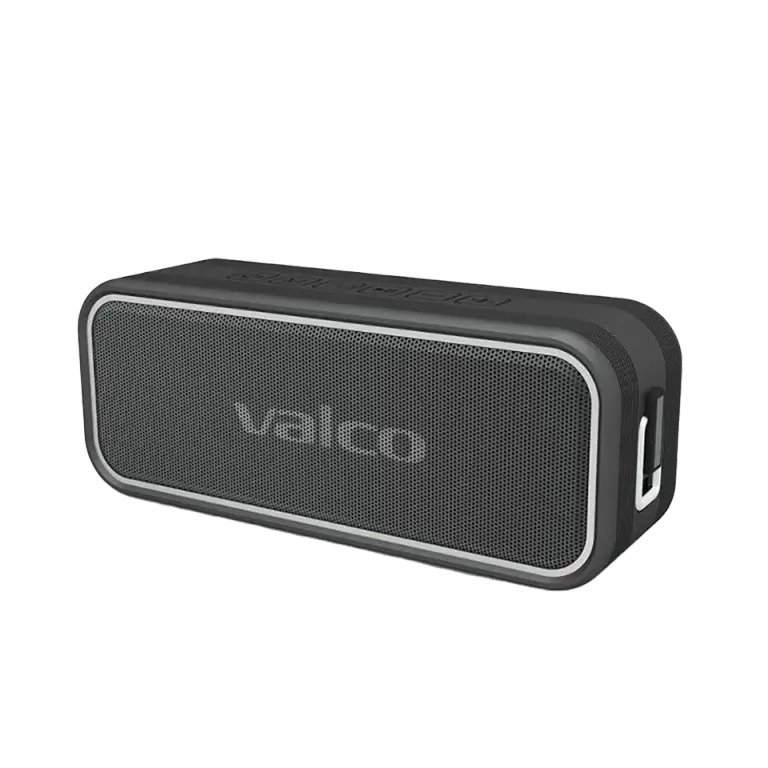
Nordell MK3 won't charge from the charger
The red LED is blinking like an ambulance light, but the speaker won't charge. Familiar situation. This is one of those problems that usually has a simple explanation, but sometimes it's a real fault. Let's go through both options.
Why is the red light blinking?
The manual only recognizes two states for the red light: steady on while charging, off when the battery is full. A blinking red light isn't an official indicator, then, just a sign that charging isn't going as it should. A few possible causes:
- Wrong charger or cable. The MK3 wants a 5V/3A power supply. Cheap cables and underpowered chargers cause exactly this symptom. The speaker tries to charge, doesn't get enough juice, and the red light blinks rapidly.
- Dirty USB-C port. A speaker that has spent a couple of years in pockets, on beaches and on terraces collects dust, sand and other debris in the port. The contact stays incomplete.
- The battery is dead. Lithium batteries have a limited lifespan. If the speaker has been in use for a couple of years, and especially if it has sat empty for a long time, the battery may have drained so low it won't come back to life.
- A circuit board fault. Rarer, but possible. The charging circuit may have been damaged by, for example, a wrong charger or moisture.
How to fix it
Try these in order:
- Swap the cable and charger. Use the original USB-C cable and a charger that delivers at least 5V/3A. The 1A charger that came with your phone won't cut it. This solves a surprising number of cases.
- Clean the USB-C port. Take a toothpick or a small brush and carefully dig the port clean. Don't use metal, it can short the contacts.
- Leave the device on the charger for longer. If the battery has drained completely, the speaker may need 15-30 minutes on the charger before it even responds properly. A deeply discharged battery wakes up slowly.
- Try another wall socket. Sounds dumb, but sometimes the fuse in a power strip has blown or the socket is faulty. Wouldn't be the first time.
A quick refresher: red light steadily on = charging in progress. Red light off = battery full. The blue light has nothing to do with charging, it's the Bluetooth connection indicator.
If nothing helps
If none of the above does the trick, it's most likely a battery or circuit board fault. At this point it becomes our problem.
Send us:
- Your order number (found in your order confirmation email)
- A photo of the device and the USB-C port
- A short description of what you've already tried
Send it to info@valco.fi or get in touch through the support site.
If the device is within the warranty period (24 months) and the issue is a material or manufacturing defect, you'll get a working device as a replacement at no cost. Nordell speakers aren't repaired individually, a warranty replacement does the job. On the headphone side we do repair, but that's another story.
And if your speaker has survived a couple of years of Finnish summers, beaches and terrace-season splashes, it hasn't done badly at all. IPX7 is a tough rating, and the MK3 is the most water-tight speaker in our lineup: it can handle a full dunking if it has to. Still, you shouldn't leave it at the bottom of a lake.