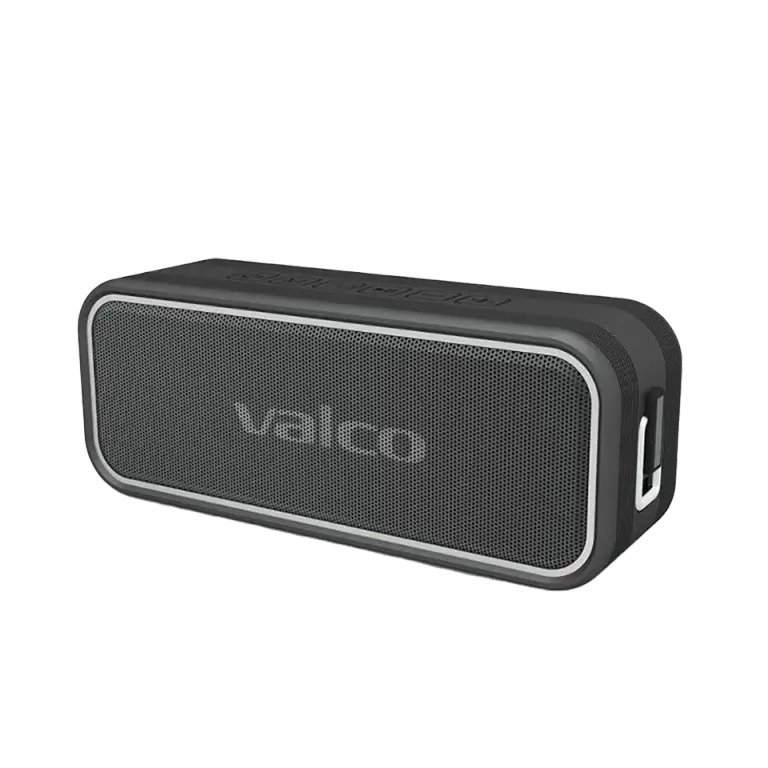
A speaker that doesn't charge is about as useful as a faucet without water. That is, not at all. Nordell MK3 has a 5200 mAh battery and USB-C charging, and usually everything works without issues. But sometimes it doesn't. Let's go through what you can do before you put the package in the mail.
What went wrong?
The most common reasons for charging issues are:
- The cable is bad. USB-C cables are not all equal. The cheapest cables may carry data but not enough power. Or the cable is just broken — they hold up surprisingly poorly to being bounced around in a pocket.
- The charger is too weak. MK3 wants 5V/3A. An old phone’s 5V/1A charger may be too slow or may not start charging at all.
- The USB-C port is misaligned. Unfortunately, this is a known issue — if the port is physically crooked or loose, the cable won’t make proper contact. This is a hardware fault and a warranty matter.
- The battery is completely drained. Sometimes a speaker that has been unused for a long time needs a moment of wake-up before the charging light turns on.
How to fix it
- Change the cable. Use another USB-C cable, preferably one that you know works with some other device.
- Change the charger. Try a phone charger or a computer’s USB port. As long as the charger provides at least 5V/2A.
- Check the port. Use a flashlight to look into the USB-C port. If the port is clearly crooked, loose, or there’s lint and debris in there, that explains the issue. You can carefully remove debris with a small pick — you won’t fix a misaligned port yourself.
- Give it time. If the battery is completely empty, keep the cable connected for at least 30 minutes before drawing conclusions. Sometimes the charging light turns on with a delay.
- Try charging with the speaker turned off. Hold the power button down until the speaker turns off, then connect the cable.
If that doesn't help
If you’ve tried different cables, different chargers, and the port looks intact but nothing happens — it’s a hardware fault. This is a warranty case, and we’ll take care of it.
Send us:
- Order number (found in the order confirmation)
- A photo of the USB-C port up close, so we can see if there’s any visible fault
- A short description of what you’ve tried
Send these to info@valco.fi or via the support site.
We will repair or replace the device. Our service operates in Kajaani, and during the warranty period (24 months) you won’t incur any costs. That’s how it should go — we made the device, we also stand behind it.
And if the port was crooked already when you opened the box: sorry about that. Quality control does its best, but sometimes one slips through. Tell us and we’ll send a replacement. Even building the Death Star sometimes requires a do-over.