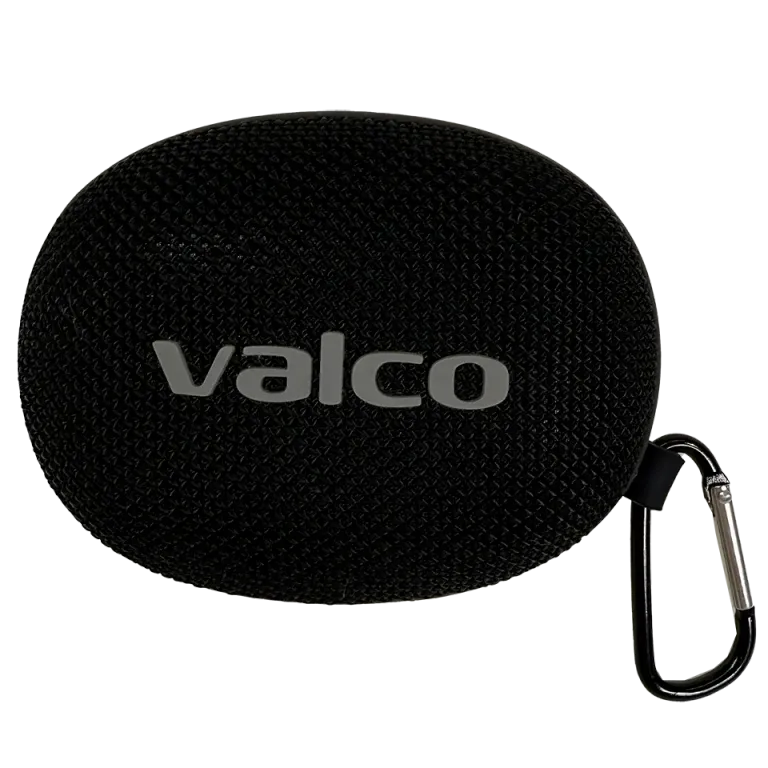
Speaker will not power on
If pressing the power button does nothing — no sound, no light — the battery is most likely flat.
1. Connect the speaker to charging with a USB-C cable.
2. Wait at least 30 minutes. If the battery is completely flat, it may take a moment before the LED light comes on.
3. Try powering on again by holding the power button for a few seconds.
4. If it still doesn't work, try a different cable and a different charger.
Speaker powers on but won't connect
If the speaker is on but your phone can't find it in the Bluetooth list:
1. Make sure the speaker is in Bluetooth mode (not TF card mode). Press the power button briefly to switch modes.
2. Go to your phone's Bluetooth settings and remove/forget "Nordell Micro" if it appears in the list.
3. Turn the speaker off completely (hold the power button).
4. Restart — the speaker will enter pairing mode automatically if it has no remembered device to connect to.
5. If the speaker tries to connect to an old device, you can force pairing mode: check the manual for the exact steps to activate pairing mode.
Common causes of Bluetooth problems
- Bluetooth is turned off on your phone (check!)
- The speaker is already connected to another device (it can only connect to one at a time)
- Too much distance — Bluetooth range is about 10 metres
- Interference: Wi-Fi routers and other Bluetooth devices in the same room can cause interference
- Your phone's Bluetooth cache is corrupt — try restarting your phone
If nothing helps
Contact Valco support at info@valco.fi. Tell us the speaker model, what you have tried, and what phone/computer you have. We'll get it sorted.