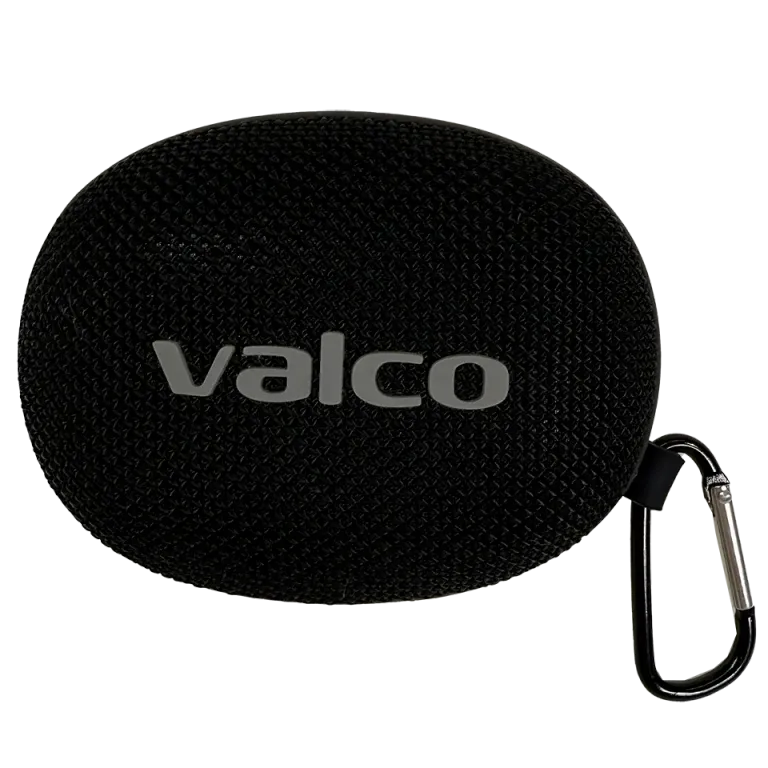
Can the Nordell Micro speaker be connected to multiple devices at the same time?
Multipoint means that a Bluetooth device maintains a connection to two or more devices at the same time. For example, to a phone and a laptop, so that the audio switches on the fly depending on which one is playing. Handy. But Nordell Micro doesn’t support it.
Why doesn't Micro have multipoint?
Nordell Micro is designed to do one thing well: play sound from a small package so that Jasse’s tuning sounds good and the battery lasts. Multipoint requires more resources from the Bluetooth chip, and in this size class it would mean compromises either in connection stability or in power consumption. We chose stability.
The speaker does remember multiple paired devices — it just doesn’t maintain connections to all of them simultaneously.
How to switch devices
Switching devices is still easy, even if it requires one extra step:
- Disconnect from the current device – turn off Bluetooth on the device you were just using, or disconnect Nordell Micro from its Bluetooth settings
- Connect to the new device – if you have previously paired the Micro with another device, it will connect automatically when the previous connection disconnects. If not, hold the power button until the speaker enters pairing mode
- Done – the whole operation takes about five seconds, roughly as long as it takes to decide what to listen to next
If the speaker doesn’t connect to the other device automatically, check that:
- Bluetooth is enabled on the other device
- Nordell Micro appears in the device’s list of paired devices
- No other Bluetooth device grabs the connection first
Stereo pairing is different
Don’t confuse multipoint with stereo pairing. Nordell Micro does support stereo pairing — that is, two Micro speakers can play together as a stereo pair. That’s a different thing, and there’s a separate guide for it. In short: press the Play/Pause button on both speakers and wait until you hear the 'di-di' sound.
If you need multipoint
If multipoint is an absolute requirement for you, Nordell Micro unfortunately isn’t the right choice for that use. We could tell you that "maybe possibly in future updates," but we won’t lie. This is a hardware limitation, not something a software update can fix.
Instead, switching devices manually is quick, and in 99 percent of use cases it’s more than enough. Five seconds of your life. In that time you can just about take one deep breath.
If you have any other Bluetooth questions, send a message to info@valco.fi. We reply faster than most people reply to WhatsApp messages.