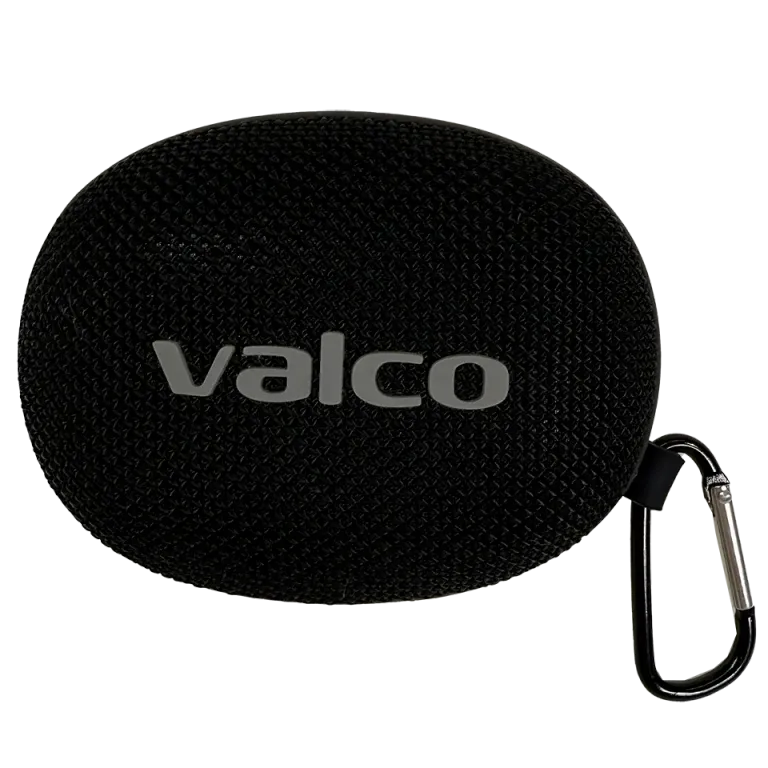
Preparing the TF card
A TF card is the same thing as a microSD card — just a different name for the same product. You can use any microSD card.
1. Copy MP3 files onto the microSD card using a computer. MP3 is the format that's guaranteed to work.
2. You can organise the files into folders or put them directly in the root of the card — both work.
3. Make sure the card is formatted as FAT32 (most new cards already are).
Inserting the card and playing
1. Find the TF card slot on the side of the speaker.
2. Insert the microSD card in the correct orientation (contacts facing inward). The card clicks into place.
3. Power on the speaker.
4. Press the power button briefly to switch the audio source to TF card mode. You will hear a beep confirming the mode change.
5. Playback starts automatically from the first track.
6. Use the next/previous buttons to move between tracks.
Troubleshooting
If the speaker does not recognise the card:
- Make sure the card is fully seated (a small click)
- Try formatting the card as FAT32 on your computer
- Use MP3 files: MP3 is guaranteed to work, while we make no promises about other formats (FLAC, WAV)
- Try a different microSD card