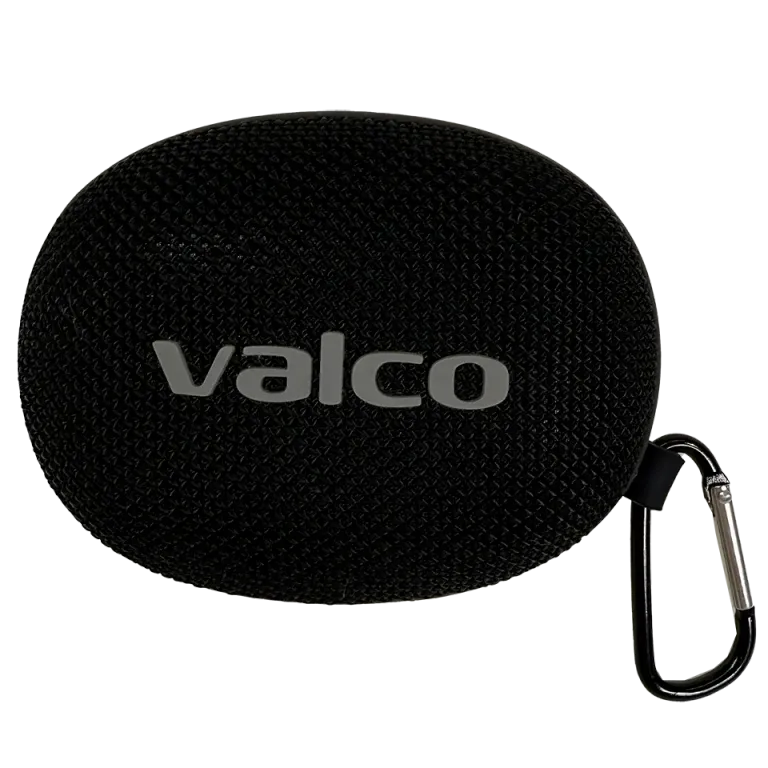
Technical specs at a glance
Nordell Micro is small but mighty. Here are the key specs: Bluetooth 5.3, 8W output, 40mm driver, approximately 10 metre range. It supports the SBC codec.
In the box: the speaker, a USB-C charging cable, and documentation.
Charge before use
Charge the speaker fully before first use. Plug the USB-C cable into the charging port on the speaker. The LED indicator shows the charging status.
Power on and Bluetooth pairing
1. Press and hold the power button until you hear the startup sound and the LED light comes on. The power button also acts as the audio source selector.
2. The first time, the speaker automatically enters Bluetooth pairing mode. The LED flashes rapidly.
3. Open your phone's Bluetooth settings.
4. Find "Nordell Micro" in the device list and tap connect.
5. You'll hear a confirmation sound — the connection is established!
6. On subsequent power-ons, the speaker automatically connects to the last used device.
Buttons
Nordell Micro has four buttons:
- Power/source: Power on (long press), switch audio source between Bluetooth and TF card (short press)
- Next/Vol+: Short press skips track, long press raises volume
- Previous/Vol-: Short press goes to previous track, long press lowers volume
- Play/Pause: Start and stop playback