So your headphones are hissing, crackling, or making some sound that definitely wasn't on the Spotify track you queued up. Annoying, especially if you paid more for your headphones than your neighbor paid for his used Golf. No worries though, most of the time it's completely normal or an easy fix.
Where does the hiss come from?
Active noise cancellation (ANC) is basically a tiny microphone that listens to your surroundings and generates a counter-signal. That process always produces a small amount of background noise. That's physics, not a defect. Every ANC headphone on the planet does this, no matter the brand. Sony, Bose, Valco, all of them.
But then there are cases where the noise isn't small at all, it sounds like someone's crinkling a candy wrapper right next to your ear. In that case, it could be one of these:
- The firmware is outdated. Updates often fine-tune the ANC specifically.
- The environment is confusing the microphone. Windy weather, gym air conditioning, or other strong air currents can throw the ANC microphone off. This tends to sound like crackling or fluttering.
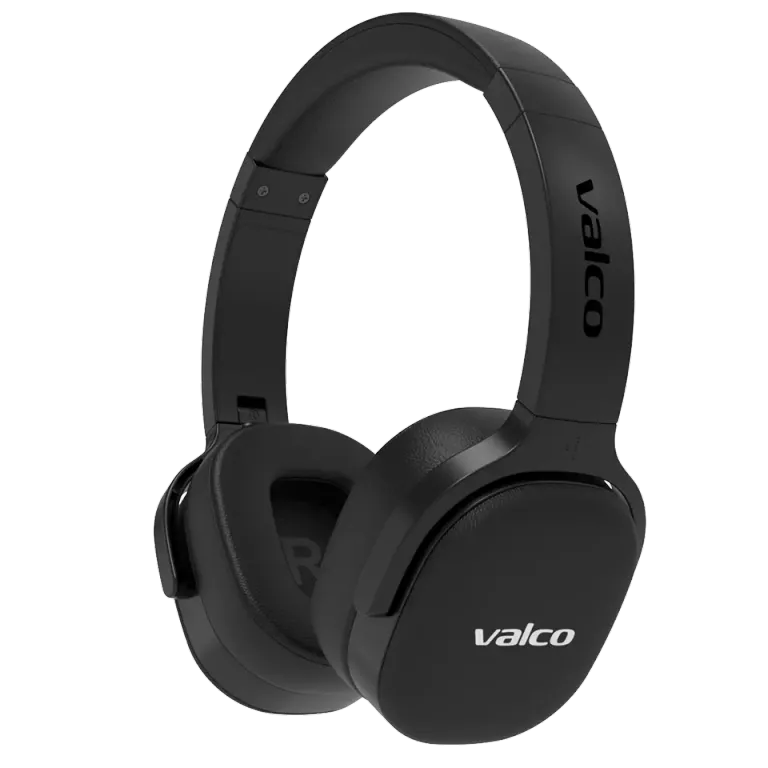
- The ear pads aren't sealing properly. If a pad doesn't sit evenly against your ear, ANC tries to compensate for the leak, and the result is noise.
- There's an actual hardware fault. Rare, but possible. Moisture or dirt may have gotten into the microphone.
How to fix it
- Update the firmware. If your model is a VMK25.2 or VMK15, download Valco Updater (Android, Google Play), connect your headphones, and check for updates. For other models, skip straight to the next step.
- Try it without ANC. Turn off noise cancellation and listen. If the hiss disappears, the issue is specifically tied to ANC and not the drivers.
- Do a reset. Plug in the AUX cable and unplug it again. This resets the headphone's settings. On older models, this fixes a surprising number of issues.
- Check the ear pads. Do they sit snugly? Are they worn flat? Bad pads let sound leak in and throw ANC off. New pads can be ordered from our webshop.
- Test in a different environment. If the crackling only happens at the gym but not at home, the culprit is probably the air conditioning or some other airflow. The ANC microphone reacts to wind like a storm chaser on live TV.
- Try different ANC levels. If your headphones have adjustable ANC (VMK25, VMK25.2, NL25), try a lower level. Noise cancellation at full blast produces more background noise.
If nothing helps
If updating and resetting don't help and the hiss is still there even with ANC off, it might be a hardware fault. Send us a message at info@valco.fi and include your order number, plus ideally a short video or audio clip where you can hear the issue. Our service team in Kajaani will sort it out. We fix devices here, we don't just toss them.
So a little bit of ANC background noise is normal, it's the price you pay for not having to listen to your coworker's phone calls. But if the noise sounds like there's a family of hamsters living in your headphones, get in touch and we'll figure it out.