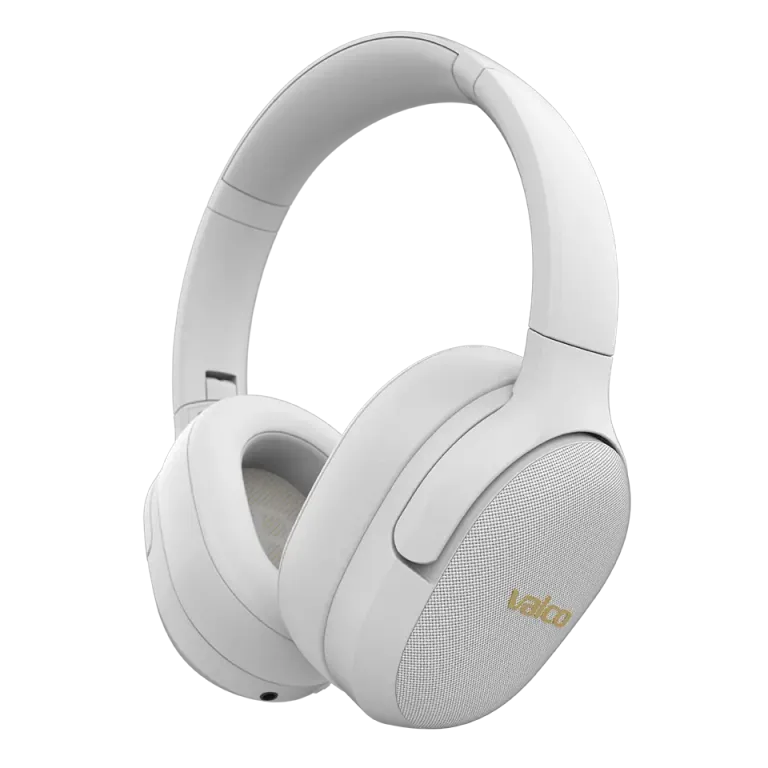
Classic situation. Samsung paired like a dream, but the Sony is stuck and can't find the headphones. Or the other way around. No worries – the VMK15 has multipoint support, so they absolutely can connect to two devices at the same time. It just takes a little trick.
Why can't the second phone find the headphones?
Bluetooth pairing is a bit like a dating app. Once the headphones have found their first phone, they stop actively "looking for a match" – they're loyal to that first device. The second phone can't see the headphones because the headphones aren't in pairing mode.
You need to specifically tell the VMK15 to look for a new device. Otherwise they'll just hang around with that first phone.
How to connect to two phones
- Disconnect from the first phone. Go to the phone's Bluetooth settings and disconnect or turn off Bluetooth entirely. This is important – the headphones won't enter pairing mode if they have an active connection.
- Put the headphones into pairing mode. Turn off the headphones. Then press and hold the MFB button for about 3 seconds – the power will turn on. Keep holding the button for another 3 seconds until the headphones enter pairing mode. You'll hear a tone or the LED will flash rapidly.
- Connect to the second phone. Open the Bluetooth settings on the second phone and look for "Valco VMK15". Select it and let it pair.
- Now reconnect the first phone too. Turn Bluetooth back on on the first phone. It'll connect automatically since the pairing is still saved.
Now both phones are connected. Multipoint handles the rest – the headphones automatically switch depending on which device is playing audio.
A few practical things
- Calls override music. If you're listening to music on phone A and a call comes in on phone B, the headphones will switch to the call automatically.
- You can't play music from both at the same time. Stop playback on one device before starting on the other. Otherwise the headphones get confused about which one to listen to.
- If pairing seems to be stuck, turn off both phones and the headphones. Restart everything. Bluetooth is the most reliable technology of the 2020s – right after the postal service.
If that doesn't help
Try this: go to the Bluetooth settings on both phones and remove the VMK15 completely from saved devices ("Forget device"). Then redo the entire pairing from scratch for both phones following the instructions above.
If that still doesn't do the trick, drop us a message at info@valco.fi. Let us know which phones you're using and what happens when you try to pair. We'll sort this out – after all, the Death Star wasn't built in a day either.