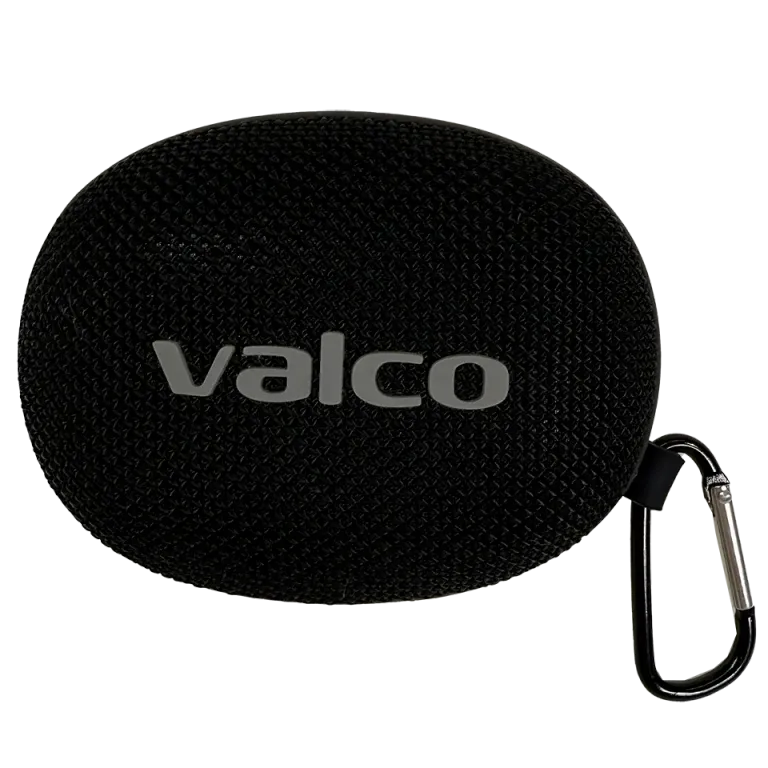
The Nordell Micro is a small speaker, but it should still work. If you're getting no sound, weird sound, or a flaky connection, the problem is usually in the Bluetooth pairing or your expectations – not the device itself.
Let's go through the most common causes and fixes.
What went wrong?
Most of the time it's one of these:
- Bluetooth connection is confused. The Micro is trying to connect to some other device, or your phone is clinging to an old pairing that's no longer working properly.
- The speaker is connected on the phone call profile. Bluetooth devices use different profiles for music and calls. If the Micro connects on the call profile only (HFP), the audio sounds like you're on a landline in 1997.
- You're expecting too much bass. The Micro is a pocket-sized speaker with a 40 mm driver, not a home theatre. Jasse tuned it for clarity – it's excellent for speech and audiobooks, but you're not getting disco sub-bass out of it. Physics is physics.
- Your computer can't figure it out. Windows machines in particular are notoriously fussy with Bluetooth. Teams and other apps don't always find the speaker automatically.
How to fix it
1. Basic reset – always start here
- Turn off the Micro by holding down the Power button
- Turn off Bluetooth completely on your phone or computer
- Turn the Micro back on
- Turn on your phone's Bluetooth and let the Micro connect
2. Remove the old pairing and make a new one
- Go to your phone's Bluetooth settings
- Find Nordell Micro in the list and select "Forget device" or "Remove pairing"
- Turn off the Micro, turn it back on – it automatically enters pairing mode when it has no mates in memory
- Connect again from your phone
3. Check the audio source and profile
- Make sure your phone is actually routing audio through the Micro (Android: pull down the top menu and check audio routing, iPhone: open Control Center and select the audio source)
- If the sound is tinny and thin, your phone is probably using the call profile instead of the media one. Try restarting your music app after the connection is established.
4. Windows PC or Teams
- Windows with Bluetooth is a bit like a dog on a chessboard – enthusiastic but clueless. Go to Windows sound settings and select Nordell Micro specifically as a media playback device, not a communication device.
- In Teams: Settings > Devices > select the speaker manually. Teams doesn't always guess right.
5. A word on bass
- Place the Micro in a corner or next to a wall. Wall surfaces boost low frequencies for free – acoustics does what the small driver can't do alone.
- If you want more sound, grab a second Micro and pair them in stereo: double-press the Play/Pause button on both and wait until you hear a "di-di" tone.
If nothing helps
If the Micro won't turn on at all, the audio is clearly distorted, or the Bluetooth connection keeps dropping even when the device is a metre from your phone, you might have a faulty unit. Drop us a message at info@valco.fi – include your order number and describe the issue. A photo or short video always helps.
We repair our devices in Kajaani. Nothing gets tossed in the bin.
A small speaker makes small sound, but it should still make proper sound. If it doesn't, we'll sort it out.