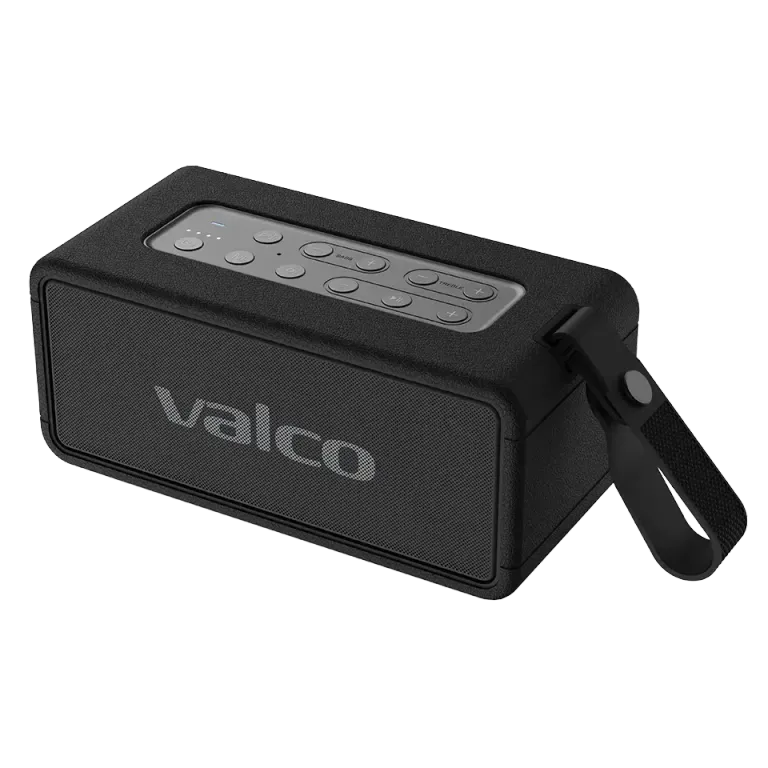
What is TWS mode?
TWS (True Wireless Stereo) means that two separate speakers connect to each other, with one playing the left channel and the other the right. The result: real stereo sound from two speakers. Pretty cool.
For TWS mode you need two Nordell Max speakers. Unfortunately different models cannot be connected together.
TWS pairing steps
1. Power on both Nordell Max speakers.
2. Place the speakers next to each other and let them look for one another. If the stereo pair doesn't form on its own, check the TWS pairing button combination in the manual that came with the speaker.
3. The speakers connect to each other automatically as a stereo pair.
4. Connect your phone via Bluetooth to one of the speakers. The sound now plays from both.
Tips for using TWS
Place the speakers on opposite sides of the room for the best stereo effect. The further apart they are (within Bluetooth range), the wider the soundstage.
It is worth keeping both speakers at roughly the same charge level so they turn off at the same time.
To exit TWS mode, turn off one of the speakers.