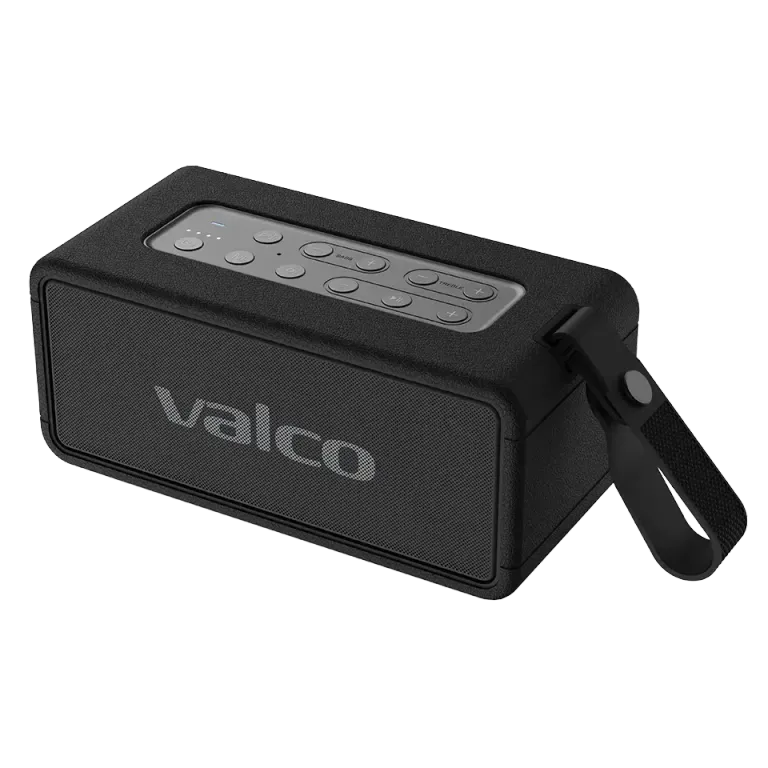
Box contents
The Nordell Max box should contain the speaker itself, a USB-C charging cable and a quick-start guide. If anything is missing, contact our support — we will sort it out.
Charge before first use
Although the Nordell Max may come partly charged out of the box, we recommend charging it fully before the first use. Connect the USB-C cable to the port at the back of the speaker and let it charge until the LED indicator shows a full charge.
Charging time from empty to full is about 3–4 hours. You can use the speaker while it charges, but for the first time it is best to let it charge undisturbed.
Power on and Bluetooth pairing
1. Hold down the power button for about 3 seconds. You will hear a startup sound and the LED light will start flashing.
2. On first power-on, the speaker automatically enters pairing mode. The LED flashes rapidly — this means the speaker is waiting for a connection.
3. Open your phone’s Bluetooth settings and look for a device called "Nordell Max".
4. Tap the device to connect. You will hear a confirmation sound when the connection is established.
5. You can now start playing music — let it rip!
Tips for keeping the connection solid
Bluetooth range is about 10 metres in open-space conditions. Walls and other obstacles shorten the range.
If the connection cuts out, try moving your phone closer to the speaker and make sure there are no metal objects in between.
The Nordell Max remembers the last connected device and tries to reconnect to it automatically when powered on.